
Features
|
Branded mobile app
Your app. Your brand.
Make it easy for customers to access your content anywhere, anytime, with a branded mobile app on Thinkific. Better outcomes, more engaged learners — all powered by a brand they know and trust: yours.
Already a customer?
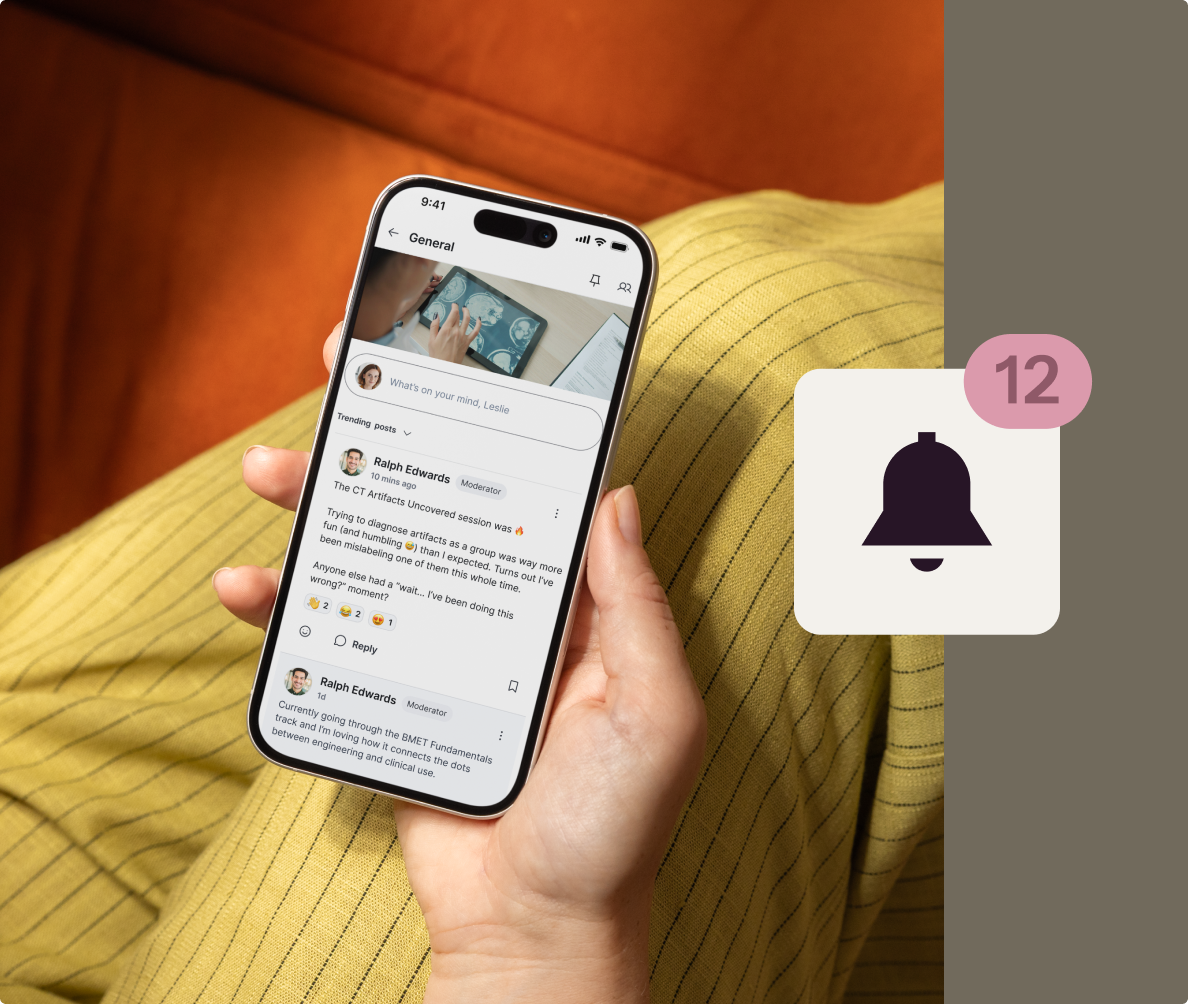
It’s never been easier to launch a white-labeled mobile app
The branded mobile app advantage
Elevate your business and boost revenue with a mobile app for your learning experiences — no technical expertise required.
Drive engagement that keeps learners coming back
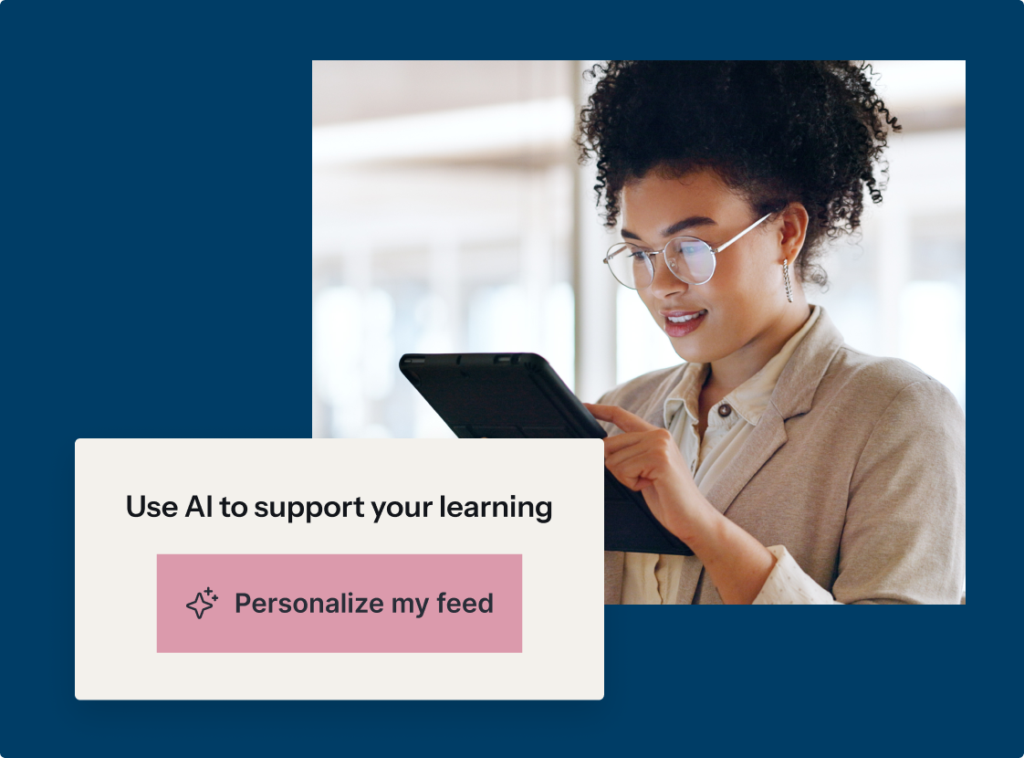
Make it easy for learners to discover and access the right content at the right time. With personalized feeds, seamless navigation, and downloadable resources, your programs stay top of mind — and part of their daily routine.
Build a connected learning community
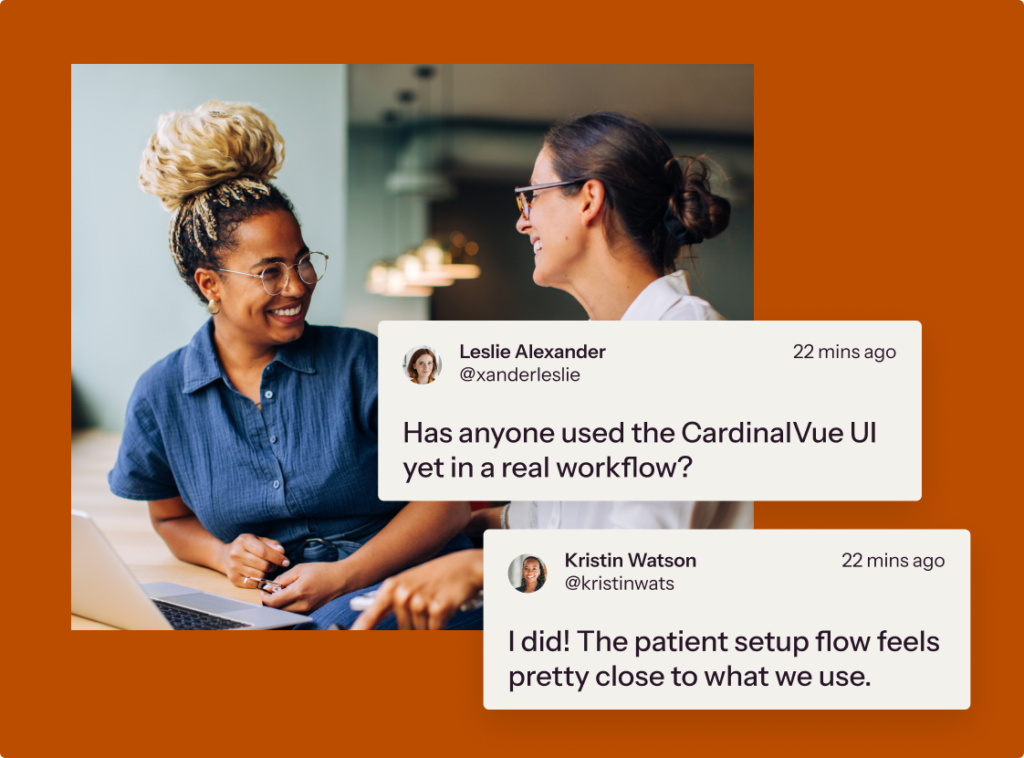
Create a space where learners can connect, collaborate, and stay engaged. From member directories and direct messaging to posting in spaces and sharing files, your community comes to life on mobile.
Increase program value and revenue
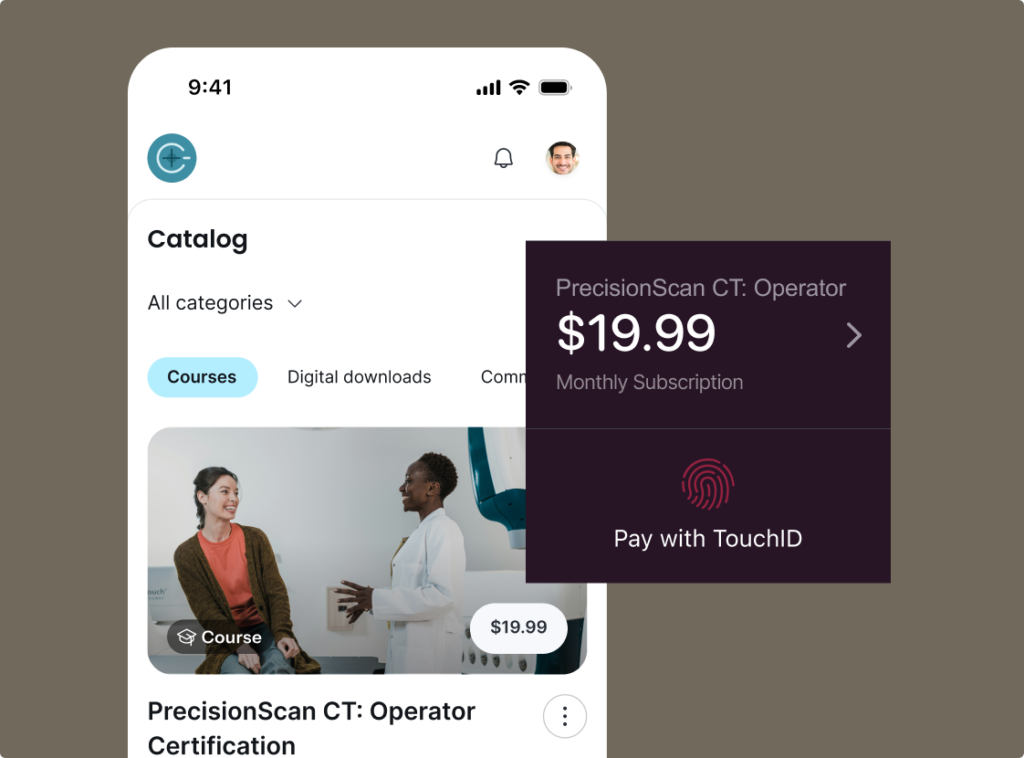
Give learners more ways to access and engage with your content, wherever they are. By strengthening loyalty and making it easier to continue learning, you create more opportunities for repeat purchases and long-term growth.
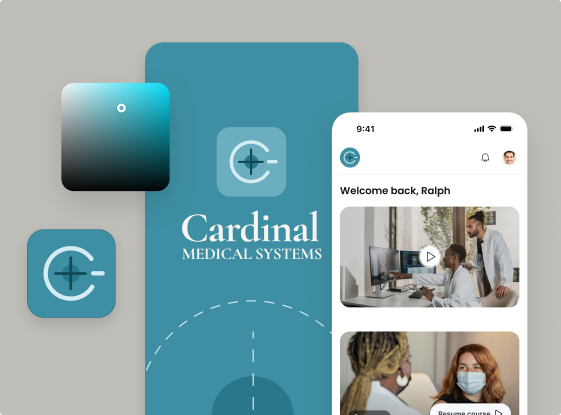
Reinforce your brand with a premium experience
Deliver a fully branded, professional mobile experience that reflects the quality of your business. From app store presence to in-app design, your brand stays front and center.
Let our trusted experts build your app for you
After you purchase and complete a short form about your business, our team will get started on your branded mobile app and schedule a one-on-one call to guide you through the next steps.

I’ve been using Thinkific basically since it came out. About 13 years now. It’s our primary learning management system. I use it for all of our courses.
Travis Bader
Silvercore Outdoors

Frequently asked questions
How do I get the mobile app?
For Existing Customers: You can activate the app directly from your admin.
- Log in to your Thinkific Admin area.
- In the left-hand menu, navigate to Channels.
- Click on Mobile App and follow the prompts to activate your branded mobile experience.
For New Customers: You will need a Thinkific account to launch your app. First, start your free trial to set up your account, and then you can access the Mobile App channel from your admin.
How much does the mobile app cost?
The Branded Mobile App is available as an add-on to your Thinkific subscription for $199 USD/month — or included at no additional cost with select Thinkific Plus plans.
Want to save on your subscription? If you choose to pay annually, you’ll receive a 10% discount on the app’s overall cost.
For Existing Customers: You can activate the app directly from your admin.
Can learners do everything on the app without going on the web version?
The app is a powerful extension of your learning experience, giving learners more ways to engage, connect, and learn on the go. They can access courses, events, and downloadable content anytime, participate in community spaces and feeds, and post with videos or multiple files.
Learners can also explore member profiles, send direct messages, and stay connected with others in your program — all while easily enrolling in or purchasing new products directly within the app.
Will my learners be able to access both my courses and communities on the app?
Yes, your learners will be able to access both communities and courses on your mobile app.
Can my learners download files from lessons?
Yes! Both downloads and PDF lesson types are available on Branded Mobile. You can also allow your students to download certain lesson content (videos, PDFs and audio) and they can view it directly on their device.
If I update or add new content, will it be reflected in my mobile app?
Yes! However, you won’t be able to make any changes from within the app. Any changes you make must be done on the web (browser) version of your site, and they will then be reflected for your audience in the mobile app.
What can I customize with my own branded mobile app?
With Branded Mobile, you can customize your app to reflect your company’s brand identity, including the imagery and descriptions on the Google Play and Apple App Store listings. Additionally, you can customize your app name, app icon, and load screen. From within the app, you can choose your app’s primary colours, button styles and text colours.
How much maintenance will I need for the app? Who will supply updates, files or patches?
You control your app store listing’s look and feel and can respond to reviews, while our team of experts will handle all technical maintenance and ongoing improvements to keep your app running smoothly.
