
Choosing an LMS for your organization is one of those decisions that’s easy to underestimate until it goes wrong. The platform shapes how learners experience training, how administrators manage content, and how leadership can report on program effectiveness. Getting it wrong costs more than the subscription fee.
Docebo is a capable enterprise LMS with a strong track record in AI-powered personalization and social learning. For many organizations, it’s a solid fit. But it’s not the only option, and depending on your priorities around pricing, ease of use, or integration depth, a Docebo alternative might serve your team better.
This guide covers five alternatives worth evaluating: what they do well, who they’re built for, and where they fall short. The goal isn’t to rank them; it’s to give you enough information to narrow your shortlist.
| Platform | Best for | Price range | Key differentiator |
|---|---|---|---|
| Thinkific Plus | Learning businesses and academies | Custom | Revenue-generating learning programs |
| TalentLMS | Mid-market employee and customer training | From $69/month | Fast setup, low admin overhead |
| Absorb LMS | Enterprise compliance and reporting | Custom | Reporting depth and clean admin UX |
| LearnUpon | Multi-audience training programs | Custom | Separate portals per audience group |
| 360Learning | Knowledge-sharing and internal expertise | From $8/user/month | Collaborative authoring model |
Factors to consider when evaluating Docebo alternatives
Selecting the right LMS for your organization extends beyond features. It’s about understanding your organization’s specific needs and finding a platform that fits them.
Your organization’s needs
Different industries have different requirements:
- In healthcare, data privacy and integration with health record systems are non-negotiable.
- In tech, teams often need the latest software integrations and API flexibility.
- In finance, compliance with regulatory requirements tends to be the first filter.
- In professional services and education, learner engagement tools and completion tracking are often what justify the investment.
Organization size also shapes the decision:
- Smaller teams and growing companies often prioritize platforms that are easy to set up and administer without dedicated LMS staff.
- Large organizations across multiple regions typically need scalability, multi-language support, and the ability to handle complex user hierarchies.
Feature set
Every LMS should cover the fundamentals: course creation, learner progress tracking, assessment tools, and user management. What separates platforms is how those features are implemented and what they enable beyond the basics.
Features like AI-powered analytics, gamification, and deep third-party integrations aren’t mandatory, but they can meaningfully change program outcomes and administrative efficiency. Evaluate them relative to the specific problems your team is trying to solve.
Pricing and value
Most enterprise LMS platforms use one of two pricing models: subscription tiers based on features, or per-user pricing based on active learners. Some use a combination.
- Understand what counts as an “active user” in each platform’s model, since definitions vary and can affect your cost significantly as programs scale.
- Consider the full cost of ownership: onboarding time, admin overhead, support access, and migration costs if you’re switching from an existing system.
- A higher upfront cost that reduces administrative time or improves completion rates often delivers better ROI than a cheaper platform that requires more manual effort.
Top Docebo alternatives
Here’s a closer look at each of the five platforms in the table above.
Thinkific Plus: Built for scalable learning businesses
Thinkific Plus is used by learning businesses, academies, and companies that need to deliver training programs at scale, whether that’s customer education, partner enablement, or professional certification.
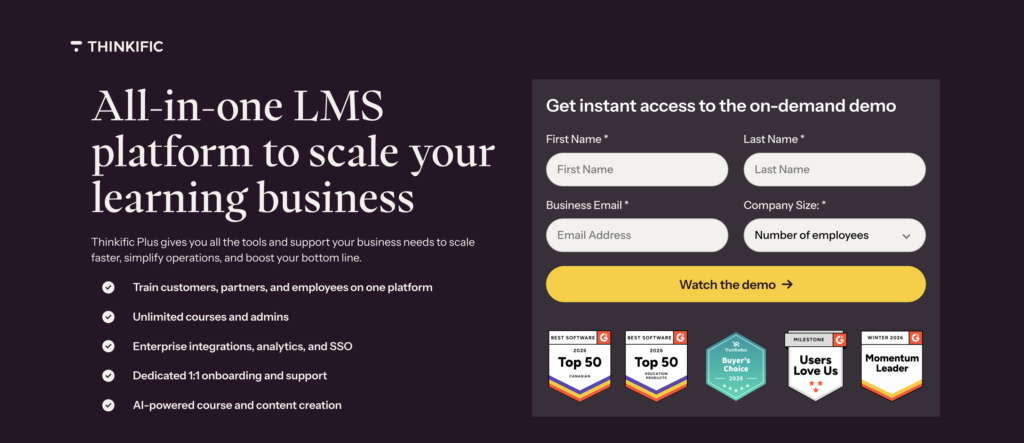
Where Docebo leads with AI-driven personalization for large employee training deployments, Thinkific Plus is a strong fit for organizations where the learning program itself is a business unit: generating revenue, reducing churn, or driving measurable customer success outcomes. (In the interest of transparency: we have an obvious self-interest in including ourselves on this list.)
Pros:
- Clean, approachable course creation interface that doesn’t require LMS expertise to operate.
- Scales from startup-level programs to enterprise deployments without requiring a platform migration.
- Dedicated customer success support for Plus customers.
- Branded mobile app and white-label options for organizations that need the learning experience to reflect their brand.
Cons:
- Feature depth across the platform means there’s a learning curve, though less steep than most enterprise LMS alternatives.
- Primarily designed for mid-market and enterprise; smaller teams may find Plus pricing beyond their current stage.
Key features:
- Customizable course builder: Extensive branding and design options to match your organization’s visual identity and learner engagement needs.
- Branded mobile app: A white-label LMS app for your courses and learning communities.
- Integrated commerce tools: Built-in payment processing, course bundles, and membership options for programs that generate revenue.
- Analytics: Reporting on learner progress, completion rates, and course performance.
Price range:
Custom pricing based on organization size and requirements. Contact Thinkific for a quote.
TalentLMS: Practical employee training without the overhead
TalentLMS is a solid mid-market LMS for organizations that need to get corporate training running quickly without dedicating significant IT resources to the setup. Its cloud-based architecture means accessibility isn’t a concern; it works across devices and locations.
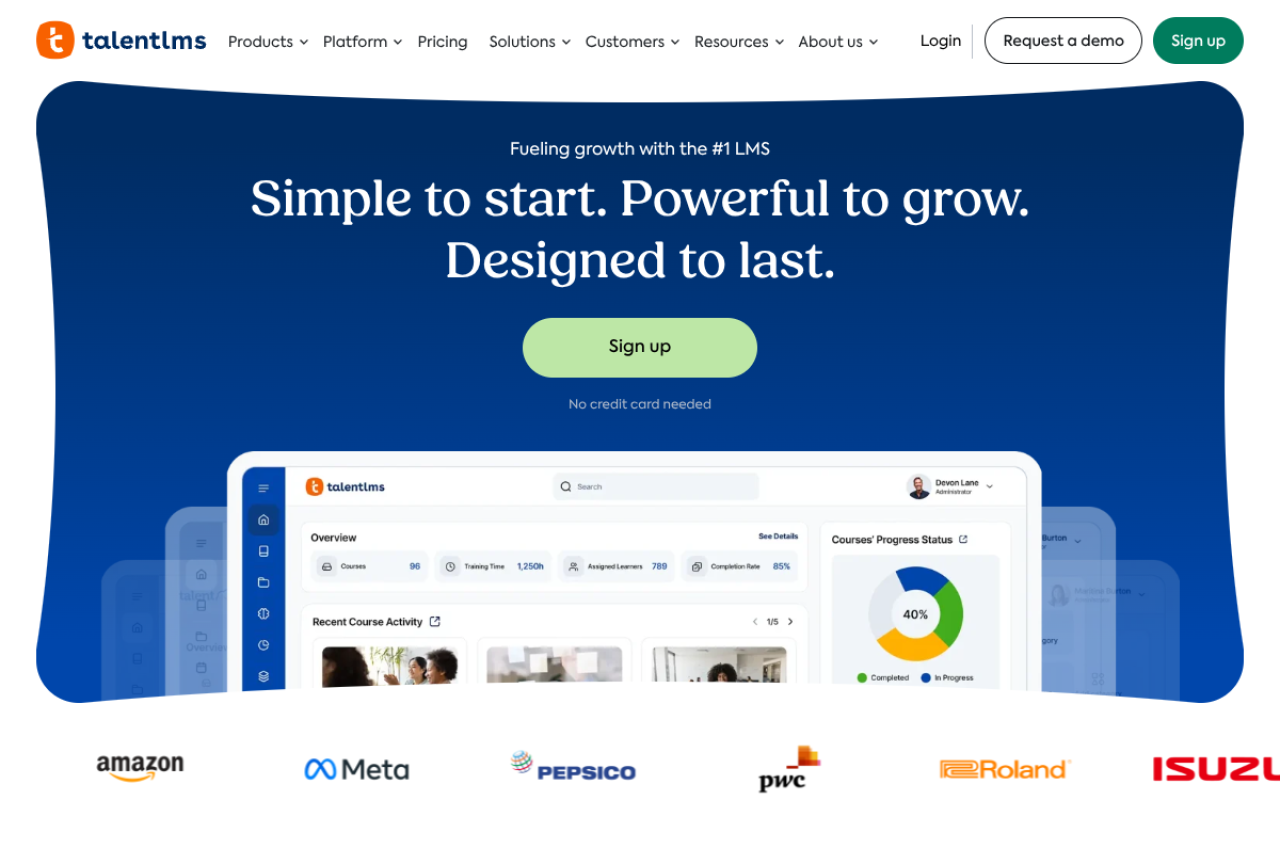
It’s a particularly strong fit for compliance training, onboarding programs, and professional development tracks where reliability and ease of use matter more than deep customization. If your training is aimed at customers or partners rather than employees, our Thinkific vs. TalentLMS comparison shows where the two platforms split on pricing, branding, and analytics.
Pros:
- Intuitive interface that reduces the administrative burden of course creation and management.
- Built-in course marketplace broadens content options without requiring custom development.
- Gamification features improve learner engagement and completion rates.
- SCORM and xAPI compliance ensures content portability across systems.
Cons:
- May lack advanced customization features found in specialized enterprise platforms.
- Mobile app experience can vary across devices.
Price range:
Starts from $69/month based on active users.
Absorb LMS: Clean UX, strong reporting, enterprise-ready
Absorb LMS is a modern enterprise learning platform designed for organizations that need a clean administrator experience alongside powerful learner-facing tools. It’s built for training at scale, from employee onboarding and compliance training to extended enterprise programs that include customers and partners.
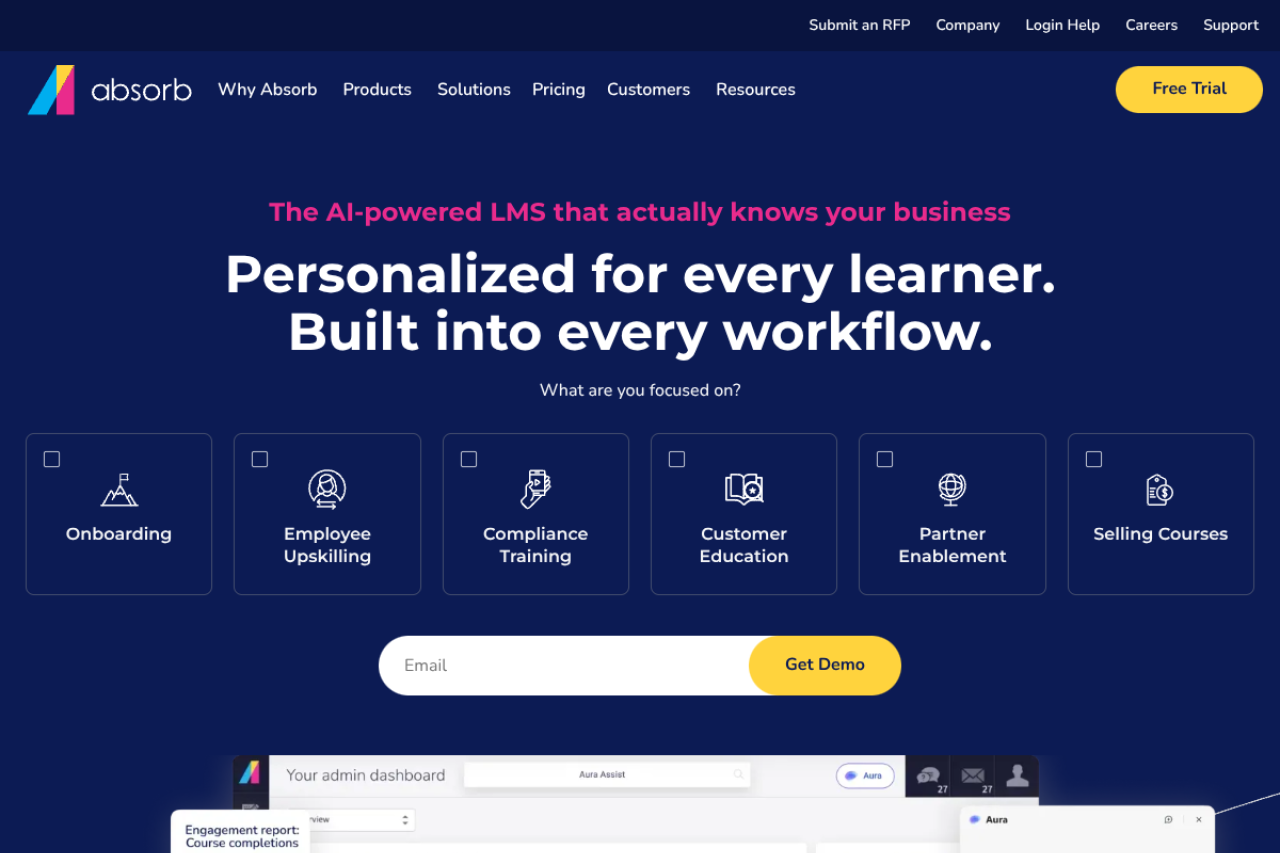
One of Absorb’s strongest differentiators is its reporting depth. L&D teams in regulated industries or those reporting learning ROI to executives will find the analytics notably more comprehensive than many mid-market alternatives.
Pros:
- Highly rated admin UX, one of the cleaner interfaces among enterprise LMS platforms.
- Advanced reporting and analytics that support both operational tracking and executive reporting.
- Single sign-on (SSO), custom branding, and SCORM/xAPI compliance out of the box.
- Strong customer support reputation, which matters when you’re running programs at scale.
Cons:
- Custom pricing means the cost isn’t immediately transparent and requires a sales conversation.
- Best suited for mid-to-large organizations; the feature set may exceed the needs of smaller teams.
Key features:
- Engage Module: AI-driven content recommendations that surface relevant material to learners based on their role and history.
- eCommerce tools: Sell courses and training programs to external audiences directly within the platform.
- Custom branding: Full white-label options so learners see your brand, not the platform.
- Robust reporting: Detailed dashboards and scheduled reports for administrators and managers.
Price range:
Custom pricing. Contact Absorb for a quote based on user count and feature requirements.
LearnUpon: One platform for employees, customers, and partners
LearnUpon is a purpose-built LMS for organizations that need to run training programs across more than one audience from a single platform. The ability to manage employee training, customer education, and partner enablement in one place, with separate portals for each group, is a genuine differentiator.
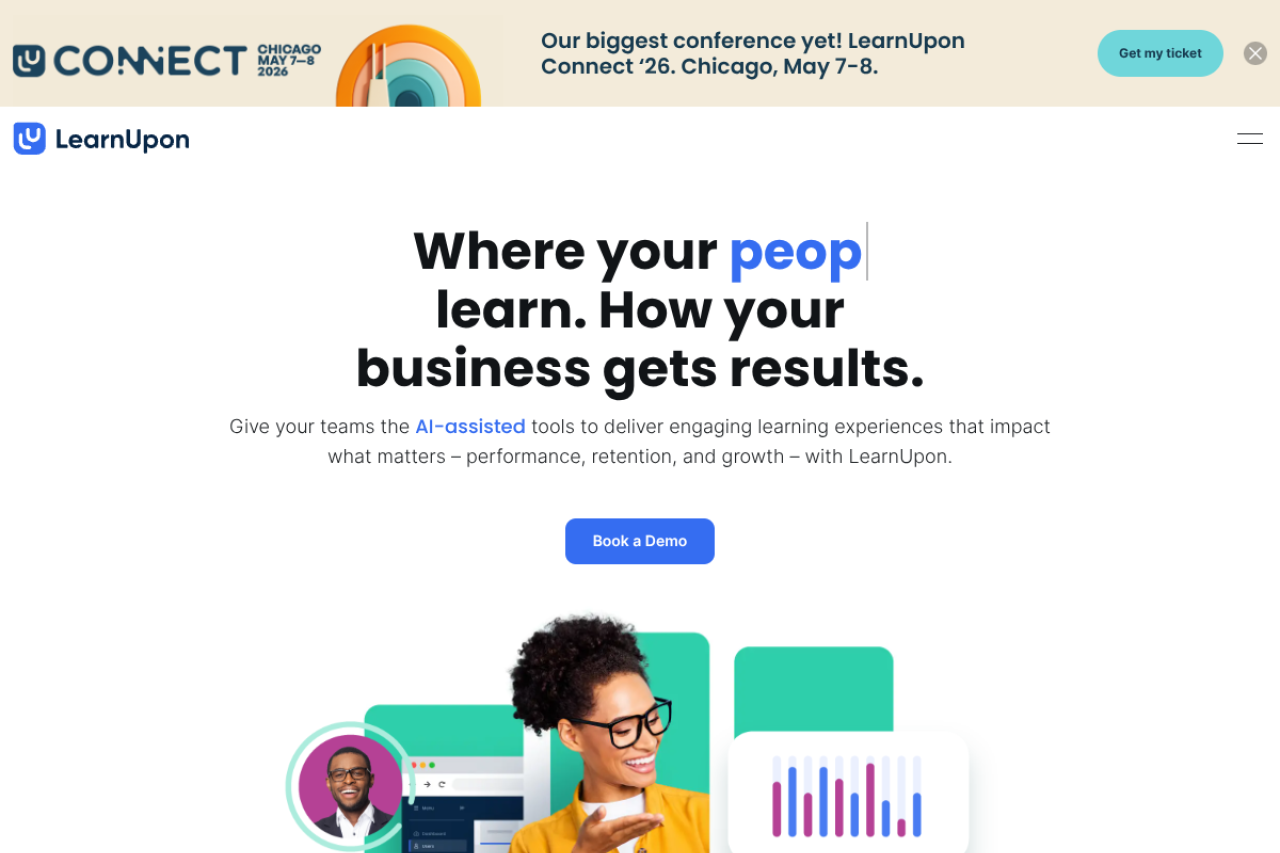
For companies where a single learner might need to access multiple training tracks (an employee who is also a customer, for example), LearnUpon’s architecture handles that complexity more gracefully than most alternatives.
Pros:
- Unified platform for multi-audience training eliminates the need to manage separate systems for different learner groups.
- Flexible learning paths accommodate different user groups with personalized structures.
- In-depth tracking and reporting supports administrators monitoring progress and training impact across all audiences.
Cons:
- Pricing scales with user count, which can make costs harder to predict as programs grow.
- Feature depth is strongest in the enterprise tier, so smaller organizations may not fully use what they’re paying for.
Key features:
- Separate training portals per audience group (employees, customers, partners) with centralized admin control.
- Flexible learning path tools for building structured, role-based training journeys.
- Reporting and analytics covering completion rates, learner progress, and training effectiveness.
Price range:
Three tiers based on active user count: Essential (up to 150 users), Premium (150-500), and Enterprise (500+). Contact LearnUpon for a detailed quote.
360Learning: Collaborative learning built around internal expertise
360Learning takes a different approach to the LMS category. Instead of positioning the platform as a repository of content created by L&D teams, it’s built around the idea that the people best positioned to create training are the subject matter experts already inside the organization.
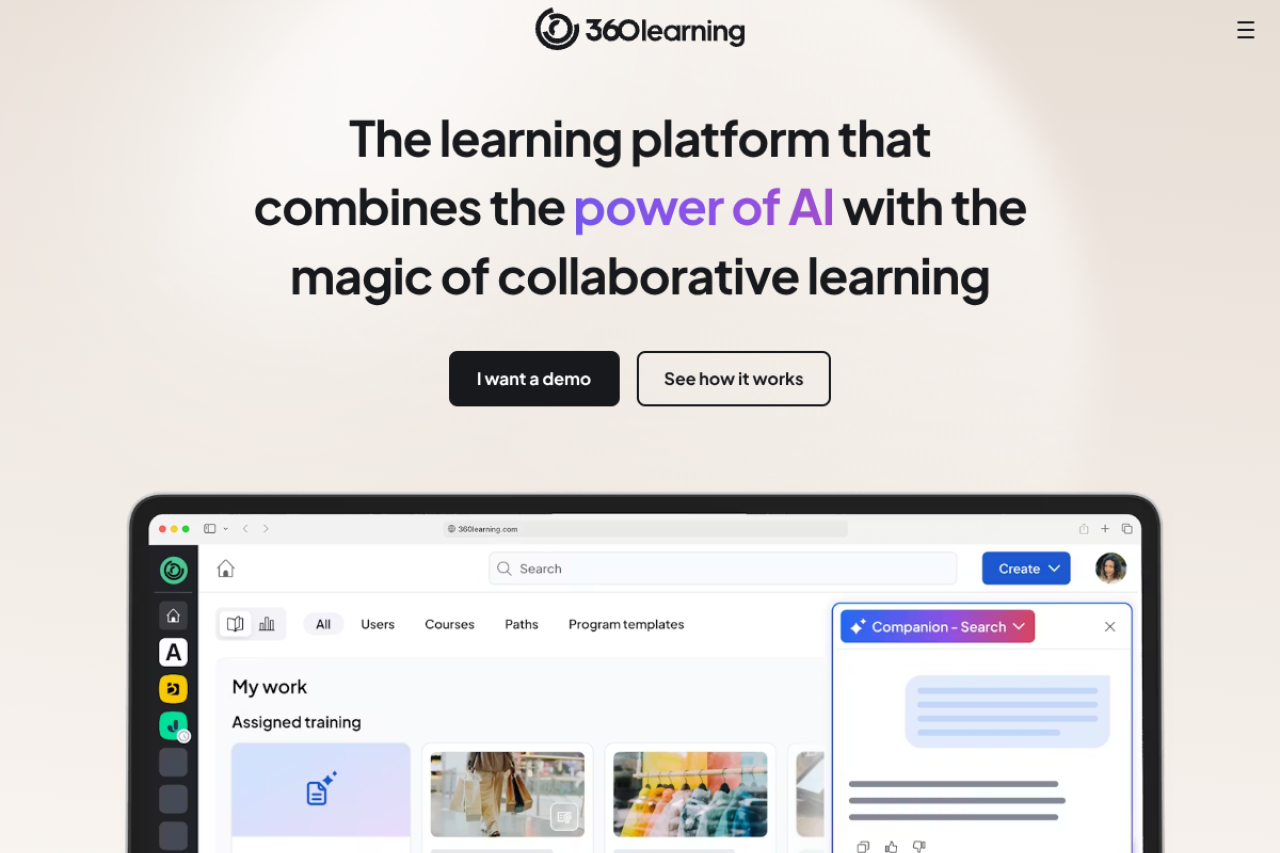
The platform makes it easy for employees to build and share courses based on their own knowledge, reducing the bottleneck on central L&D resources while capturing expertise that would otherwise walk out the door when people leave.
Pros:
- Collaborative course creation model lets internal experts contribute training content without needing LMS expertise.
- AI-assisted content generation helps subject matter experts turn their knowledge into structured courses faster.
- Peer feedback and discussion features build a genuine learning community, not just a content library.
- Strong fit for organizations where knowledge is distributed and L&D resources are limited.
Cons:
- The collaborative model requires buy-in from contributors across the organization; it doesn’t deliver value if content creation stays centralized.
- Less suited for compliance-heavy programs that require tightly controlled, audited content.
Key features:
- Collaborative authoring tools: Internal experts can create and publish courses without L&D gatekeeping.
- AI course creation: Generates draft course content from existing documents, recordings, and resources.
- Learning needs analysis: Identifies skill gaps across the organization based on manager and employee input.
- Integrations with Salesforce, Workday, BambooHR, and other common enterprise tools.
Price range:
Team plan starts at $8/user/month. Enterprise pricing is custom; contact 360Learning for a quote.
Choosing the right LMS for your organization
None of these platforms is right for every situation. What separates a good LMS decision from a poor one is how clearly you’ve defined what your program actually needs before you start evaluating features.
Docebo is a strong default for large organizations that want AI-driven personalization and are willing to invest in a platform with significant depth. If budget, ease of use, or a specific use case, like collaborative learning or extended enterprise, leads you to look elsewhere, the five alternatives above each make a credible case.
The practical next step is to narrow your list to two or three platforms, get a demo with scenarios specific to your program, and run a time-limited pilot before committing. If you want a framework for that process, our guide to LMS implementation planning covers the key steps.
Frequently asked questions
What are the main reasons organizations look for Docebo alternatives?
Organizations typically look for Docebo alternatives when they need different features, more cost-effective options, a simpler admin experience, or a platform better aligned with a specific use case, like collaborative learning, extended enterprise training, or revenue-generating learning programs.
How do I know if a Docebo alternative is right for my organization?
Identify your organization’s specific requirements, including audience size, training types, integration needs, and reporting expectations, and compare them against each platform’s strengths. User reviews on G2 and Capterra are useful signals, but demos with your actual use cases are the most reliable filter.
Can I switch from Docebo to an alternative without losing my data?
Most modern LMS platforms support data migration, but the effort varies depending on how your content is structured and what format your current data is in. Before committing to a switch, confirm the new platform supports importing from Docebo and budget time for a migration plan. Backing up all data before starting the transition is non-negotiable.
What are the key features to look for in a learning management system?
The fundamentals are course creation, learner progress tracking, assessment tools, and user management. Beyond that, prioritize based on your program’s needs: AI personalization for large-scale deployments, gamification for engagement-heavy programs, compliance training tracking for regulated industries, or collaborative authoring for knowledge-sharing initiatives.
How can I ensure a smooth transition to a new LMS platform?
Start with a documented migration plan covering data export, content reformatting, user communication, and training for administrators on the new system. Run a pilot with a limited user group before full rollout. Keep feedback channels open and plan for a support window during the first 30 days post-launch.