

A Customer Training LMS (learning management system) is the best way to educate and upskill your customers in an efficient, scalable way. Don’t leave your customers all on their own as they try to figure out your product or service. Instead, teach them how to get incredible value and create the results they want.
Customer training platforms allow your customers to enroll in online courses, browse educational content, and build the knowledge they need to reach their goals. It’s an all-in-one system designed to help them learn everything they need to know about your product.
Shopping for educational customer training tools can be overwhelming.
Continue reading to learn everything you need to know about what exactly a Customer Training LMS does, the benefits of using one, what to look for as you begin your buying journey, and compare 10 of the most popular options.
Click the links below to skip ahead:
- What is a Customer Training LMS?
- Why use a Customer training platform?
- Spotlight on the value of AI in learning tools
- How to choose the right Customer Training LMS
- Comparison table of top customer training platforms
- Thinkific Plus: Best Overall
- Docebo: Best for Enterprise
- Litmos: Best for Corporate
- UserGuiding: Best for software user onboarding
- Looop: Best for automation
- Northpass: Best customer-specific LMS
- Talent LMS: Best for localization
- LearnUpon: Best for learner experience
- 360 Learning: Best for collaborative authoring
- Adobe Learning Manager: Best for Adobe loyalists
- Conclusion
What is Customer Training LMS Software?
A Learning Management System (LMS) is an online learning environment that your customers can access anywhere, anytime. With a Customer Training LMS Software in your toolkit, your customers can gain knowledge about your product or service by moving through online courses and educational content at their own pace, getting the knowledge they need, when they need it, to create the outcomes they’re looking for.
Many LMS tools are designed for internal employee education, or for knowledge entrepreneurs to publish paid B2C (business to consumer) online courses that are open courses that are open to anyone. Customer training is just one way to use an LMS, so you’ll want to choose one that’s thoughtfully crafted with education in mind.
Customer training programs are also often used in the software-as-a-service (SaaS) world, as SaaS businesses and companies leverage education to teach customers about their product, how to use it, and how to gain value from it.
Why use a customer training platform?
- Reduce your customer churn:
Educating and training your customers will help them get the outcomes they want and decrease your churn (customer loss). - Streamline your onboarding process:
Will allow you to automate and streamline your onboarding process, reduce your learning curve, and delight customers faster. - Increase customer engagement:
Build loyalty and engagement throughout the customer journey, with training content that goes beyond basic knowledge.
Spotlight on the value of AI in learning tools
Figuring out how to organize complex content into a structured course outline takes significant time and mental energy, which can stall momentum when designing product tours and onboarding programs.
Bringing AI into your LMS tool of choice means that you can automate some of the repetitive, mundane work, and focus on more strategic activities.
Here are some of the things that it can help solve:
- Offers personalized recommendations help learners find what they need quickly
- Immediately responds to repetitive student support questions
- Generates closed captions (SRT files) for all uploaded videos or translating content into other languages
- Automatically organizes and structures content into digestible learning modules
- Instantly create quizzes from existing course content
- Analyzes learner feedback (e.g., open-text reviews) to highlight actionable course improvements
- Auto-grades complex, open-ended assignments and essays using rubrics
- Flags at-risk learners who show signs of disengagement
- Generates automated, audit-ready compliance reports on specific learner groups or training mandates
How to choose the right Customer Training LMS Software
The right Customer Training LMS Software should make learning easier. Good LMS tools create an intuitive, effortless user experience, with the interface taking a backseat to the training content itself.
If your customers spend time fiddling with a poorly designed tool, that translates into a less satisfying customer and learning experience — and less satisfaction with your product or service!
The right platform will be flexible and scalable, letting you add more content, courses, and administrators as you scale and grow your customer training program with ease. You should also ensure that your chosen LMS has extensive integration capabilities, so your customer training LMS can seamlessly integrate into the rest of your tech stack.
Comparison table of top customer training platforms
If you’re short on time, use this guide to help you quickly identify which platform might be the best for your customers or partners. It includes an overview of pricing and the top ways it leverages AI in learning programs.
| Platform | G2 Rating | Pricing | Best For | Top AI Functionality |
| Thinkific Plus | 4.7 | Request a call for pricing | Best overall | Assistant for Q&A, content, quiz, and outline generation |
| Docebo | 4.4 | Custom pricing only | Best for enterprise | Recommendations, content creation, and virtual coaching |
| Litmos | 4.3 | Custom pricing only | Best for corporate | Smart search, content summary, and grading automation |
| UserGuiding | 4.7 | Starts from $174/mo | Best for software user onboarding | N/A |
| Looop | 4.9 | Custom pricing only | Best for automation | Content tailoring and learning path adaptation based on progress |
| Northpass | 4.6 | Custom pricing only | Best customer-specific LMS | N/A |
| Talent LMS | 4.5 | $69, $149, and $279/month | Best for localization | Course creation, coaching, and translation into 40+ languages |
| LearnUpon | 4.6 | Custom pricing only | Best for learner experience | Generates summaries, exams, scripts, images, and videos |
| 360 Learning | 4.6 | $8/user per month (team plans) | Best for collaborative authoring | Converts documents, generates quizzes, and translates content |
| Adobe Learning Manager | 4.0 | Custom pricing only | Best for Adobe loyalists | Recommends content, manages playlists, and provides chat assistance |
Thinkific Plus: Best Overall

Price Range: Ready to make an informed decision on your next LMS? Request a call with Thinkific Plus experts today to discuss pricing options and get a live demo. Elevate your online learning with Thinkific Plus – your success, our expertise.
Thinkific Plus is the easiest way to create a custom, uniquely white-labelled branded experience that sets your customers up for success. The Thinkific Plus interface is easy and intuitive, not just for customers, but for your company to onboard and get started with, too. You won’t need any coding skills to put together incredible customer training content — in fact, you don’t even need to have used an LMS before.
Another special thing about Thinkific Plus is the dedicated customer support. As a Thinkific Plus customer, you’ll have a dedicated Customer Success team of industry experts answering questions, offering helpful tips, best practices, and cheering you on as you design your customer training experience.
Key Features
- Advanced segmentation via Teams and adaptive Learning Paths, with AI-powered content recommendations from Thinker that adapt to learner activity and skill gaps
- Deep Enterprise API and native CRM integrations (ex. Salesforce, HubSpot) to track the impact of training on critical business outcomes like customer retention and product adoption
- Generative AI tools like the AI Course Outline Generator, AI Quiz Generator, and AI Copy Co-Pilot to accelerate lesson content, assessment creation, and text revision
- Thinker, the AI Teaching Assistant, to scale learner support with 24/7 AI chatbot to answer questions instantly using your proprietary course content
What people are saying about Thinkific Plus
G2 Score: 4.7
Positive Reviews
- Highly user-friendly and intuitive, especially for course creation with its drag-and-drop builder
- Robust and versatile features for building rich and engaging course content
- Strong & proactive customer support through built-in AI chatbot which accelerates onboarding
Drawbacks
- Some reviewers felt the sales cycle for the product was a bit lengthy
- There is demand for more marketing features, like built-in social sharing
Docebo: Best for Enterprise

Price Range: Custom Only
Docebo claims to be an AI-first LMS that can be used to train employees, educate customers, and enable partners. Docebo includes analytics and whitelabeling, and can be offline or online on any device. They differentiate themselves by promoting a connected learning ecosystem, allowing customers to integrate with their CRM or existing customer success tools.
They claim to drive measurable business outcomes like higher retention, greater advocacy, and increased customer spend for their customers, and reduce the overall dependency on customer support teams.
Key Features
- Advanced segmentation and AI-powered recommendations that adapt learning paths based on customer roles, product usage, or skill gaps
- Deep integration capabilities with CRM tools to ensure a seamless learning journey and track the impact of training on business outcomes (ex. customer retention)
- Generative AI for lesson content, assessments, and text revision
- AI virtual coaching for conversation role-plays
What people are saying about Docebo
G2 Score: 4.4
Positive Reviews
- Its highest-rated features are its white-labeling capabilities, content delivery and tracking, and 24/7 customer support availability
- Strong automation capabilities for streamlining administrative tasks
Drawbacks
- Steep learning curve: reviewers mentioned that admins would need prior LMS experience, and ideally some coding knowledge as well
- Demand for more integrations in the platform
- Mobile users occasionally struggle with the functionality and access of the Go.Learn app
Litmos: Best for Corporate
Price Range: Custom Pricing Only

Litmos is a reliable, long-running option in the LMS world. They position themselves as a scalable and quick-to-deploy corporate training solution that allows learning programs for employees, customers, and partners to all be managed centrally and without significant IT requirements.
Litmos promotes streamlined onboarding processes, continuous product proficiency, and the ability to monetize external training programs as some of the main benefits that they can help customers achieve.
Key Features
- Known for its fast implementation, intuitive interface, and ease of use with the mobile app
- Strong support for SCORM/TIN CAN, a built-in course authoring tool, and a large ready-to-copy content library
- AI Assistant for smart search, content summarization, and personalized recommendations
- Use AI to automatically grade assignments
What people are saying about Litmos
G2 Score: 4.3
Positive Reviews
- Users like Litmos’s interface, and how it works on all devices and browsers
- Tracking learners’ progress through the content is easy.
Litmos’s highest-rated features are their learning paths and 24/7 availability.
Drawbacks
- Customization options for courses is fairly limited
- High pricing compared to other competing solutions in the market
- Reporting functionality is not visually appealing or intuitive
Litmos’s lowest-rated features are its reporting, integrations, and role–based templates.
UserGuiding: Best for software user onboarding
Price Range: Starts from $174/mo (Starter) or $349/mo (Growth)
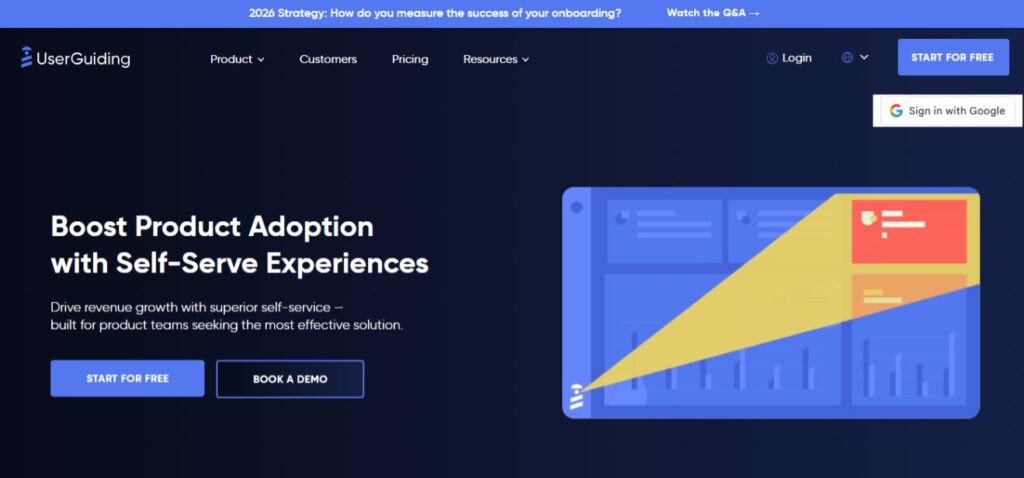
UserGuiding claims to be an “all-in-one production adoption software,” covering everything from onboarding checklists, to product tours, and even in-app surveys to measure user experience. They stand out from other LMS platforms as they focus a lot on accessibility for non-technical teams and have a more affordable package style that suits smaller businesses.
Key Features
- Ability to build interactive product tours, checklists, and tooltips inside your product without coding
- Trigger guides, messages, or surveys based on a user’s actual behavior (clicks, page views)
- Offers in-app onboarding flows, including task lists with progress bars that establish a clear, structured learning path for new users
- All-in-one solution for onboarding, product adoption, and user experience management
What people are saying about UserGuiding
G2 Score: 4.7
Positive Reviews
- Provides a high degree of flexibility and customization for unique learner experiences
- Its highest-rated features are audiovisual walkthroughs, text bubble walkthroughs, and survey implementation.
Drawbacks
- Analytics primarily focus on the performance of the content built within the platform, not on deeper user interactions with the core application
- Lacks template libraries or ability to easily copy existing content
UserGuiding’s lowest-rated features are its user segmentation, data analysis, and multi-language support.
Looop: Best for automation

Pricing: Custom Pricing Only
Looop is an automation-focused LMS optimized for delivering short, easily digestible microlearning modules. Looop’s philosophy is to remove the “bells and whistles” of complex, feature-heavy traditional platforms to provide a user experience that is intuitive and easy to navigate for both learners and administrators.
Key Features
- Automatically tailors content and adaptable learning paths based on individual learner progress and preferences
- Integrates with existing business tools like CRM and HRIS systems
- Allows L&D teams to automate routine tasks like compliance reminders, onboarding follow-ups, or ongoing skill updates
- Robust search function to help users quickly locate specific, relevant content in their moment of need
What people are saying about Looop
G2 Score: 4.9
Positive reviews
- Easy to set up and offers good customer support
- Includes some handy digital marketing tools companies can use to promote their learning resources
- Looop’s highest-rated features are its 24/7 availability, internationalization, and assessment and practice abilities.
Drawbacks
- Whitelabeling the tool with personal branding takes a long time
- Functionality for events is new and reportedly still evolving
- Less customization flexibility compared to other platforms
Gainsight Customer Education: Best customer-specific LMS

Price Range: Custom Pricing Only
Gainsight Customer Education, previously known as Northpass, is an LMS aimed at mid-market to enterprise companies, and counts Shopify, Grammarly, and Pipedrive among its customers. They claim to help companies drive product adoption, reduce customer churn, and decrease the time-to-value (TTV) through on-demand content delivery.
Their recent adoption by Gainsight signals that they are definitely leaning more into the customer experience and improving stats like CSAT and NPS through education.
Key Features
- Embed your branded academy directly within your software or website for seamless user experience
- Built to integrate deeply with your existing tech stack, especially CRM tools and customer success platforms (like its parent company, Gainsight)
- Includes tools to create, manage, and automatically issue certifications for customers who complete specific courses or learning paths
- Detailed insights and data on learner progress, content engagement, and the effectiveness of your education programs on customer success KPIs
What people are saying about Northpass
G2 Score: 4.6
Positive Reviews
- Great customer experience, good price, and intuitive user experience
- Product team values customer feedback and adopts recommended features into the product
- The highest-rated features for Gainsight Customer Education are its 24/7 availability, customer training, and industry compliance.
Drawbacks
- The platform’s assignment grading and submission process could be streamlined
- Reporting capabilities are restricted, making it difficult to build custom reports or conduct deeper analysis without exporting data
Talent LMS: Best for localization

Price Range: plans for $69, $149, and $279/month
Talent LMS is known for its ease of use, quick setup, and comprehensive feature set that makes it a one-stop solution for corporate and external training needs. It is particularly well suited for companies that have either a technical need for multi-language support or the organizational need to deliver region-specific training. If you’re weighing it for customer education specifically, our TalentLMS vs. Thinkific comparison for customer training covers white-labeling, analytics, and pricing.
Key Features
- Easily create separate, branded training environments (“Branches”) for different customer segments, product lines, or reseller partners
- AI Course creation support for outlines, step-by-step processes, and flashcards and AI Document extraction which converts PDFs to course units with interactive content
- AI Coach offers personalized help, summaries, explanations, practice questions, and translations into 40+ languages
- Supports a mix of self-paced online courses and live Instructor-Led Training (ILT) with integrated videoconferencing support
What people are saying about Talent LMS
Positive Reviews
G2 Score: 4.5
- Highly valued for its user-friendly interface and straightforward process for onboarding and course management (a big recent improvement as admin experience used to be a challenge)
- Positive reviews for the in-app gamification to drive learner engagement
Drawbacks
- Integrations only focus on HR data and important integrations were missing, like Google Meet
- Talent LMS’s lowest-rated features are its course marketplace and customization abilities
LearnUpon: Best for learner experience
Price Range: Essential, Premium, and Enterprise plans, contact for pricing
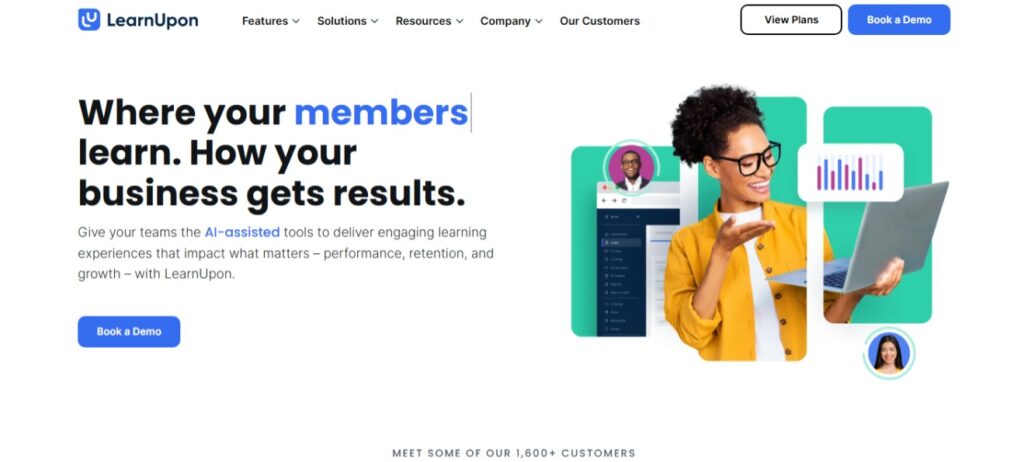
LearnUpon offers on demand, branded customer training with a simple, engaging learner experience. Users can create multiple different training environments from one central place, so it’s a good option if you need to educate customers on many different types of product.
Key Features
- Allows you to run multiple, fully branded, and secure portals for diverse customer groups (or partners) from a single admin account
- Automates user enrollment, course assignment, and progress tracking based on custom rules (like user data or activity)
- API and pre-built integrations with major business systems (Salesforce, Zoom) to connect learning data with customer success metrics
- AI-assisted content authoring (COURSEAU), generating summaries, exams, scripts, images, videos, and translating text
What people are saying about LearnUpon
G2 Score: 4.6
Positive Reviews
- Easy to use and course participants enjoy the gamification
- The customer support is also well-liked, with dedicated support managers for at least some users
- LearnUpon’s highest-rated features are 24/7 availability, mobility, and performance
Drawbacks
- Newly launched features felt rushed and buggy, or had issues with LearnUpon’s integrations
- Admin-level tasks can sometimes require too many steps to complete
360 Learning: Best for collaborative authoring
Price Range: Custom business and enterprise plans, team plans for $8/user per month
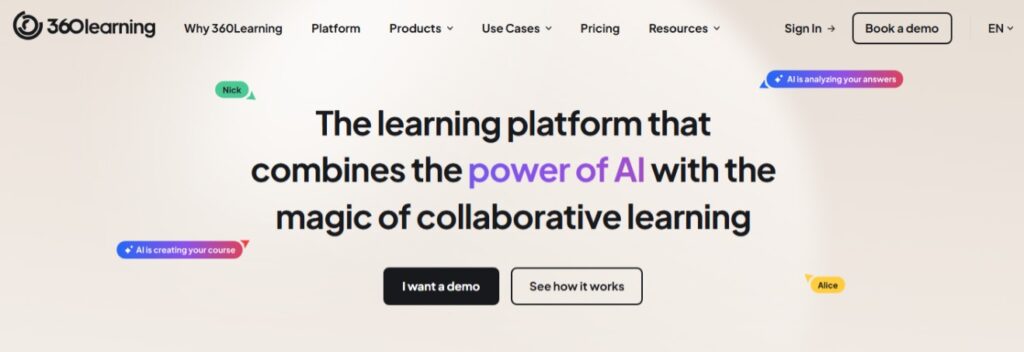
360Learning helps any experts at your organization become course authors, and easily share their knowledge with your customers. They focus on a “peer-driven” experience where customers can quickly find relevant training, share their own expertise to others, and get personalized recommendations driven by AI.
Key Features
- Uses skills data to identify customer knowledge gaps and automatically recommends or creates personalized learning paths
- Advanced grouping capabilities allow for highly granular segmentation of customers
- Generative AI to convert documents/objectives into structured courses, generate quizzes or questions, and translate content
- AI to automate repetitive administrative tasks and transcribe videos for enhanced accessibility
What people are saying about 360 Learning
G2 Score: 4.6
Positive Reviews
- Strong mobile app (reportedly better than their desktop version)
- The customer support seems strong, too, with the company showing a willingness to take users’ feedback and improve their tool
- Its highest-rated features are 24/7 availability, performance, and its content libraries
Drawbacks
- Live session feature doesn’t live up to its full potential
- The search system often fails to look within the course content, limiting results only to the course title
- The large number of features can make the platform feel complex
Adobe Learning Manager: Best for Adobe loyalists

Price Range: Custom Pricing Only
Formerly known as Captivate Prime, this is a cloud-based LMS from one of the biggest names in software! They focus closely on “extended enterprise audiences” which includes customers, partners, and franchises and this AI learning tool is used by many Fortune 500 companies. It’s a more expensive, prestige option that is best suited for high-volume customer onboarding (or employee training).
Key Features
- “Headless” deployment method means they can be integrated with any CMS (like Adobe Experience Manager) to deliver learning within the customer-facing portals
- Provides detailed audit trails, configurable roles, and security features for regulated industries or compliance-heavy product training
- AI-powered content recommendations based on skills, interests, and roles
- AI chatbots for customer support and for managing learning playlists
- Fluidic Player™ launches virtually any type of eLearning content without the need for plugins
What people are saying about Adobe Learning Manager
G2 Score: 4.0
Positive Reviews
- Easy to load existing content into the platform, especially from Powerpoints and legacy LMS systems
- High ratings for industry compliance, assessments, and practice tools
Drawbacks
- Many users mentioned its high price, while others noticed slow loading times
- Customer support is poorly reviewed, with inadequate onboarding and a lack of tutorials for new users
- Reporting and administration can be limiting for larger organizations that have multiple departments
Conclusion
Ultimately, a strong customer training program does more than just educate. It drives product adoption, boosts retention, and transforms your customer base into a powerful engine for overall business growth.
Most teams struggle with customer education because they use scattered, inefficient methods that leave customers frustrated and under-trained. Choosing the right Customer Training LMS is all about selecting a vendor who can help you operate at scale. You need a platform that can deliver highly customized experiences and the right content exactly when your customers need it, making that “Aha!” moment happen faster.
Leverage customer education to enhance growth today.
When your customers win, so does your business.
Platforms like Thinkific Plus are making it easier than ever for growing businesses to build and launch their first customer education academy.
With specialized tools for content creation, engagement, and analytics for continuous improvement, enabling your customers and fostering business expansion is more achievable than ever.