

If you’re an L&D manager, HR director, or Chief Learning Officer evaluating enterprise learning platforms, narrowing the shortlist can be surprisingly difficult. Most platforms promise AI, analytics, automation, and enterprise-scale learning, yet they differ in the audiences they serve and the business problems they solve.
Nearly every large organization already uses an LMS, but many are re-evaluating whether their current platform can support customer education, partner enablement, and other external learning initiatives alongside employee training. The right choice depends on who you’re training, how your programs are delivered, and the outcomes you’re trying to achieve.
This article reviews eight of the best enterprise LMS platforms for 2026. We’ll compare AI capabilities, scalability, integrations, compliance, analytics, extended enterprise support, and overall value to help you narrow your shortlist and choose a platform that fits your organization’s learning strategy.
What is the best enterprise LMS for 2026?
The best enterprise LMS depends on who you’re training. Thinkific Plus is best for customer education, partner enablement, and learning commerce. Cornerstone OnDemand is best for compliance-driven enterprises, Docebo excels in AI-powered enterprise learning, and TalentLMS is a strong choice for organizations that prioritize fast deployment and simplicity.
Skip ahead:
- Best enterprise LMS platforms at a glance
- Our evaluation criteria
- What separates an enterprise LMS from a standard LMS?
- The 8 best enterprise LMS platforms for 2026
- Which enterprise LMS fits your organization?
- Common mistakes organizations make when choosing an enterprise LMS
- How to get the most value from an enterprise LMS
- Frequently asked questions
Key takeaways
- Start by identifying your primary audience. Some enterprise LMS platforms focus on employee learning, while others support customers, partners, and external learners alongside internal teams.
- AI has become a standard capability. Many LMS providers now include AI-powered analytics, making it more important to compare how each platform applies AI than whether it offers AI at all.
- Choose a platform that supports your long-term goals. The best enterprise LMS saves administrative time while helping your organization improve learning outcomes, demonstrate business impact, and scale as your programs grow.
Best enterprise LMS platforms at a glance
The platforms below all support enterprise learning, but each one is designed for different audiences, priorities, and organizational needs.
| Platform | Best for | AI features | SCORM/xAPI | Starting price* | Free trial |
| Thinkific Plus | Customer education, partner enablement, professional academies, and learning commerce | Thinker AI teaching assistant, AI recommendations | SCORM support | Custom pricing | Demo available |
| Docebo | Large enterprises managing complex enterprise learning programs | Harmony AI, AI Tutor, semantic search | SCORM and xAPI | Custom pricing | No |
| TalentLMS | Fast deployment with minimal IT overhead | AI course creation, AI content generation | SCORM and xAPI | Starts at $119/month (annual billing)** | Yes |
| Absorb LMS | Mid-sized and enterprise organizations focused on learner engagement and analytics | AI recommendations, AI course creation, AI search | SCORM and xAPI | Custom pricing | Demo available |
| Cornerstone OnDemand | Compliance-driven enterprises and workforce development | Workforce AI, Skills Engine | SCORM and xAPI | Custom pricing | Demo available |
| SAP Litmos | Rapid deployment, compliance, and ready-to-use content | AI-powered recommendations | SCORM and xAPI | Custom pricing | Demo available |
| 360Learning | Collaborative, peer-led, and SME-driven learning | AI Companion, AI course creation | SCORM and xAPI | Custom pricing | Demo available |
| LearnUpon | Multi-audience training with straightforward administration | AI course creation, adaptive learning, AI reporting | SCORM and xAPI | Custom pricing | Demo available |
* Pricing reflects publicly available information at the time of writing and may change. Enterprise platforms with custom pricing require contacting the vendor for a quote.
** TalentLMS pricing varies by plan and learner capacity. Enterprise plans use custom pricing.
Our evaluation criteria
No single enterprise LMS is objectively best. Every organization has different training goals, technical requirements, and learner audiences. We evaluated each platform against the capabilities enterprise buyers rely on most in 2026 so you can compare them using consistent criteria.
AI capabilities
AI has quickly become a standard feature in enterprise learning platforms, but the experience varies considerably. Some vendors focus on content creation, while others invest in personalized recommendations, conversational learner support, analytics, skills intelligence, or workflow automation.
We looked at how each platform applies AI across the learner and administrator experience, whether those features solve meaningful business problems, and how deeply AI is integrated into the platform rather than added as a standalone tool.
Scalability
Enterprise learning often expands over time. A platform may start with employee onboarding and then expand to include customer education, partner certification, continuing education, or regional training programs.
We evaluated how well each platform supports multiple audiences, large learner populations, branded learning environments, role-based permissions, and administrative controls that facilitate easier growth management.
Integrations
Most organizations already rely on systems for HR, CRM, communications, identity management, and business intelligence. An enterprise LMS should fit into that ecosystem rather than operate in isolation.
Our evaluation considered native integrations, APIs, single sign-on (SSO), and connections with platforms such as Salesforce, HubSpot, Microsoft Teams, and HRIS solutions that help reduce manual work and keep learner data synchronized.
Compliance
Compliance looks different across industries. Some organizations need detailed audit trails, certification tracking, and recurring training, while others place greater emphasis on product education or professional development.
We reviewed each platform’s ability to support compliance workflows, reporting, certifications, learner records, and governance without assuming every organization has the same regulatory requirements.
Total cost
Subscription pricing is only one part of the investment. Implementation, administration, support, integrations, training, and ongoing maintenance all contribute to the total cost of ownership.
We considered how each platform balances capabilities with complexity, along with the amount of internal resources organizations may need to launch, manage, and expand their learning programs over time.
What separates an enterprise LMS from a standard LMS?
A standard learning management system helps organizations create, deliver, and track training. An enterprise LMS expands on those capabilities to support larger learner populations, multiple audiences, complex administration, and integrations across the business.
As organizations grow, learning often extends beyond employees to include customers, partners, and professional learners. Enterprise platforms are designed to manage those experiences from one place while providing the governance, reporting, and automation that larger organizations need.
You’ll also come across technical standards like SCORM (Sharable Content Object Reference Model) and xAPI as you compare platforms. These standards allow learning content to work across compatible LMS platforms while tracking learner activity, making them especially valuable if you already have existing course content or plan to migrate learning between platforms.
Most enterprise LMS platforms include features such as:
- Advanced user roles and permissions for administrators, managers, and instructors
- Support for multiple audiences, brands, or business units
- Integrations with systems like HRIS, CRM, and identity providers
- Compliance tracking, certifications, and reporting
- Learning analytics that connect training activity to business outcomes
- Scalable infrastructure for large learner populations
- Automation for enrollments, notifications, and recurring administrative tasks
One of the biggest differences between enterprise LMS platforms is who they’re designed to serve. Some focus primarily on workforce learning, while others also support customer education, partner enablement, professional training, and branded learning experiences.
As you compare the platforms below, keep your primary audience in mind. The best enterprise LMS aligns with your learning strategy today while giving you room to expand as your programs grow.
The 8 best enterprise LMS platforms for 2026
Many enterprise LMS comparisons focus primarily on workforce learning. This guide also considers platforms built for customer education, partner enablement, professional training, and learning commerce because those use cases increasingly shape enterprise buying decisions.
Every platform in this guide qualifies as an enterprise LMS, but they solve different problems. Some focus on workforce learning and compliance, while others specialize in educating customers, enabling partners, or delivering professional training.
Thinkific Plus is a learning commerce platform built for organizations that create, deliver, and sell learning at scale. Its strongest use cases include customer education, partner enablement, professional academies, associations, and training companies serving external learners, although it can also power internal learning programs.
Organizations using learning to drive product adoption, customer retention, certifications, or recurring revenue will find Thinkific Plus a strong fit thanks to branded learning experiences, CRM integrations, communities, learning paths, and built-in commerce.
Key features
- SCORM-compatible course importing, delivery, and learner activity tracking
- Thinker AI teaching assistant, learning paths, and personalized recommendations
- HubSpot and Salesforce integrations for enrollments, progress, and completions
- Built-in commerce for payments, subscriptions, bundles, and course sales
- Single sign-on SSO, white-label domains, and a branded mobile app
- Custom roles and granular permissions to control exactly what each team member can view, edit, and manage across courses, communities, and learner groups (Plus only: see how custom roles work)
- Built-in analytics covering learner progress, completion rates, video engagement, revenue, and enrollment reporting across all courses and programs; Thinkific Plus adds Advanced Analytics with fully custom dashboards, role-based access controls, and automated report delivery via email, webhook, S3, or SFTP
Explore more Thinkific Plus features
Pros
- Combines learning delivery, commerce, and CRM integrations in one platform
- Supports customer education, partner enablement, professional learning, and branded experiences
- Includes dedicated launch support and enterprise customer success resources
Cons
- Organizations focused on deep succession planning, workforce management, or highly detailed compliance audit trails may need more specialized HR functionality
- Some features, including branded mobile experiences and enterprise integrations, may depend on the selected Plus package
Pricing
Custom pricing based on your needs: Get in touch with the team contact for a quote.
Best for
Organizations building customer education, partner enablement, professional training, association learning, or revenue-generating academies.
What users say
G2 reviewers consistently praise Thinkific’s scalability, branding flexibility, integrations, analytics, and customer support.
Source: G2 review
Large organizations often manage learning simultaneously across employees, customers, partners, and members. Docebo brings those audiences together on a single enterprise platform, combining AI-powered learning, automation, analytics, and an extensive integration ecosystem.
Harmony extends the experience with semantic search, personalized recommendations, conversational reporting, and learner assistance, making Docebo well suited for enterprises with mature learning operations and complex technology environments.
Key features
- Harmony AI for semantic search, personalized recommendations, learner support, and conversational reporting
- Multi-audience learning with branded portals and enterprise administration
- Content marketplace, browser-based learning, and mobile access
- Extensive integrations, APIs, and headless learning options
- Analytics and AI workspace integrations, including Microsoft Copilot, Claude, and ChatGPT
Pros
- Strong AI capabilities across search, reporting, and learner support
- Handles complex learning programs at enterprise scale
- Extensive integrations and headless learning options
Cons
- The breadth of the platform may require more implementation planning and administrative expertise
- Pricing and operational complexity may place it beyond the needs of organizations with smaller learner populations or limited L&D resources
Pricing
Custom pricing — contact for quote.
Best for
Large enterprises that need AI-powered learning, broad integrations, and support for several internal and external audiences.
What users say
G2 reviewers frequently highlight Harmony AI and AI-assisted course creation for reducing manual work and speeding content development.
Source: G2 review
Teams looking for a straightforward enterprise LMS often prioritize speed and ease of administration alongside core learning capabilities. TalentLMS addresses those needs with accessible course creation, AI-assisted authoring, and a broad set of built-in features that don’t require extensive technical resources. Our Thinkific vs. TalentLMS comparison looks at how it holds up on pricing, analytics, and multi-site administration as programs grow.
TalentLibrary complements the platform with ready-made workplace training, helping teams launch standard learning programs without having to create every course from scratch.
Key features
- AI course creation and supporting content
- Branch management and TalentLibrary with ready-made workplace courses
- Gamification and mobile learning
- HR and business integrations
- Skills reporting and learner analytics
Pros
- Fast deployment with an intuitive administrative experience
- AI authoring tools and TalentLibrary reduce course development time
- Published pricing makes budgeting and platform comparisons easier
Cons
- Academic institutions and organizations requiring extensive academic administration may need a more specialized platform
- Complex compliance programs or highly detailed course sequencing may require capabilities beyond TalentLMS’ primary focus
Pricing
Paid plans currently start at $119 per month for up to 40 users when billed annually. Grow begins at $229 per month, while Pro starts at $449 per month. Enterprise pricing is customized for larger organizations. Pricing and user limits should be reconfirmed before publication.
Best for
Growing organizations that want to deploy employee, customer, or partner training with limited IT overhead.
What users say
G2 reviewers consistently praise TalentLMS for its ease of setup, AI authoring tools, and intuitive learner experience.
Source: G2 review
Absorb LMS combines AI-powered learning, learner engagement, analytics, and commerce tools in a platform designed for mid-sized and enterprise organizations. It works well for companies that want detailed visibility into learner progress while maintaining a polished learner experience.
AI features support recommendations, search, reporting, administration, and course creation, helping teams spend less time managing routine tasks.
Key features
- AI-powered search, recommendations, course creation, and administration
- Reporting dashboards, learner analytics, and progress tracking
- Gamification and personalized learner experiences
- Multi-portal management with built-in e-commerce
- Mobile learning and enterprise integrations
Pros
- Combines learner engagement, analytics, and AI tools in one platform
- Supports both workforce and external learning programs
- Delivers a polished learner experience with strong reporting capabilities
Cons
- Organizations should test reporting workflows carefully if they require highly specialized report formats
- The feature set and custom enterprise pricing may exceed the needs of smaller programs with straightforward delivery requirements
Pricing
Custom pricing — contact for quote.
Best for
Mid-sized and enterprise organizations that want an intuitive LMS for internal and external training, learner engagement, and detailed progress tracking.
What users say
G2 reviewers highlight Absorb LMS’s intuitive interface, streamlined content management, and expanding AI capabilities.
Source: G2 review
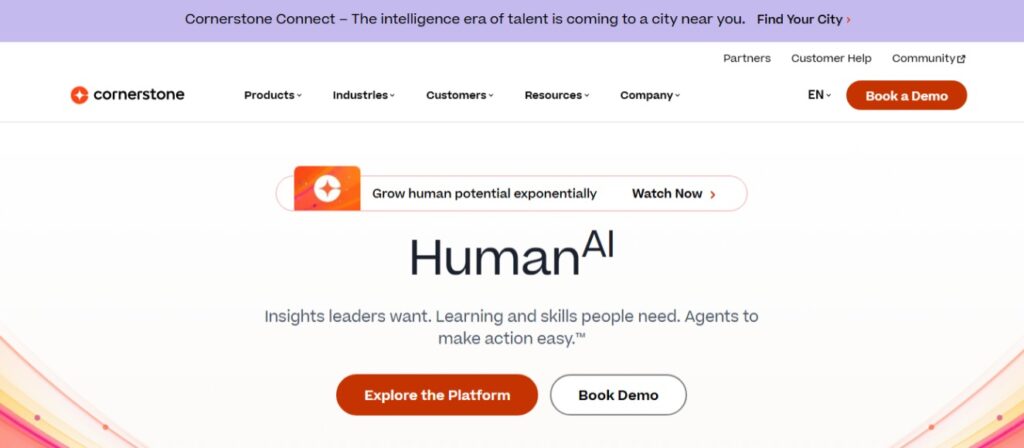
Cornerstone OnDemand is an enterprise workforce and talent platform built for large organizations with complex governance, skills, compliance, and employee development requirements. It connects learning with performance, talent mobility, workforce planning, and succession management.
Cornerstone Workforce AI uses organizational and labor market data to identify skills, guide workforce decisions, and target development opportunities. The platform works particularly well for global businesses and regulated industries that require structured, role-based training and robust administrative controls.
Key features
- Workforce AI, Skills Engine, and AI-powered workforce insights
- Compliance management, certifications, and governance
- Talent management, performance management, and succession planning
- Enterprise HR and business system integrations
- Global learning delivery with multilingual support
Pros
- Deep compliance, governance, and workforce development capabilities
- Connects learning with broader talent and skills strategies
- Built to support large global enterprises with complex training requirements
Cons
- The platform’s depth can create a steeper learning curve for administrators
- Implementation may require more time, planning, and internal resources than lighter enterprise LMS platforms
Pricing
Custom pricing — contact for quote.
Best for
Large, regulated, or global enterprises that need compliance training, talent management, skills intelligence, and succession planning in one connected system.
What users say
G2 reviewers often cite Cornerstone’s AI capabilities and enterprise workforce management features as key strengths
Source: G2 review
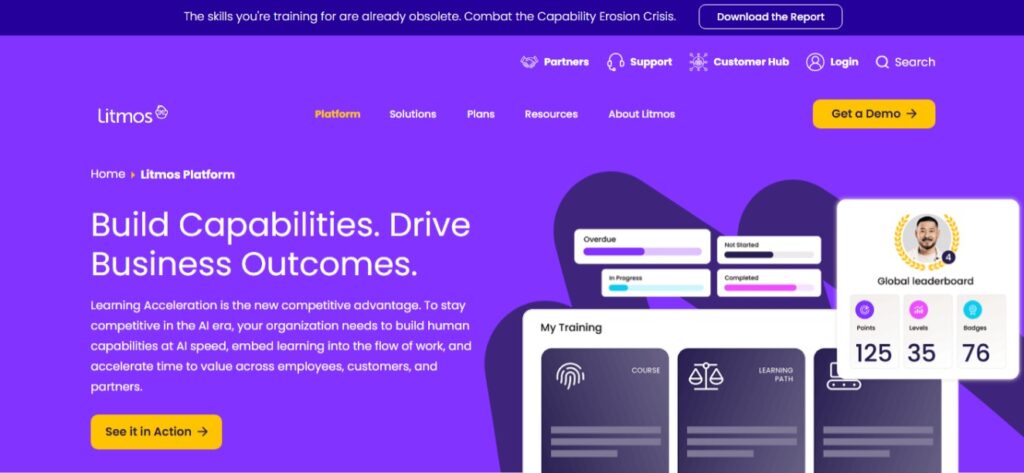
Teams that need training available quickly often turn to SAP Litmos because it combines enterprise learning tools with an extensive content library. Employee onboarding, compliance, customer education, partner enablement, and sales training can all be managed from the same platform.
Its library of ready-made content helps reduce development time, while integrations connect learning with HR, CRM, and other business systems.
Key features
- Ready-made compliance, leadership, sales, and workplace training content
- AI-powered learning experiences and personalized recommendations
- CRM, HRIS, and business system integrations
- Mobile learning with offline access
- Reporting, compliance tracking, and e-commerce capabilities
Pros
- Ready-made content accelerates program launches
- Strong integrations with common business systems
- Well suited to organizations that need training available quickly
Cons
- Organizations requiring extensive visual customization should review branding capabilities during the evaluation process
- Teams with highly specialized content and workflow requirements may need more configuration than the platform’s rapid-deployment positioning suggests
Pricing
Custom pricing — contact for quote.
Best for
Organizations that need to launch compliance, employee, sales, customer, or partner training quickly with access to a ready-made content library.
What users say
G2 reviewers frequently praise Litmos’ intuitive interface, marketplace, and responsive customer support.
Source: G2 review
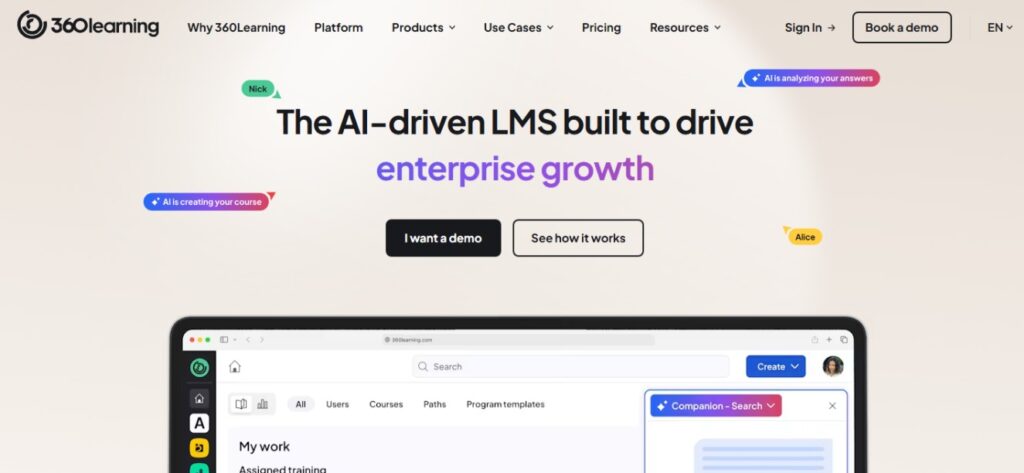
Teams that rely on internal subject matter experts to share knowledge will appreciate 360Learning’s collaborative approach to course creation and continuous improvement. Rather than relying entirely on centralized instructional design teams, it combines collaborative authoring, peer feedback, and AI-assisted course creation to help learning evolve as business needs change.
That collaborative approach makes it a strong fit for enterprises building internal knowledge-sharing programs and skills development initiatives where expertise is distributed across multiple teams.
Key features
- Collaborative course authoring with AI-assisted content creation
- Skills tagging, adaptive learning paths, and personalized recommendations
- AI Companion for learner support and knowledge discovery
- Social learning, peer feedback, and discussion tools
- Translation, analytics, and enterprise integrations
Pros
- Makes it easy for subject matter experts to contribute to learning content
- AI tools help accelerate course development and updates
- Strong collaborative learning experience with built-in feedback
Cons
- Organizations accustomed to centralized, top-down course production may need to introduce new contribution and review processes
- Teams focused mainly on formal compliance delivery may use fewer of the platform’s collaborative capabilities
Pricing
Custom pricing — contact for quote.
Best for
Enterprises that want subject-matter experts to collaboratively create learning and keep skills-based content current.
What users say
G2 reviewers consistently highlight the platform’s ease of implementation, intuitive interface, and collaborative learning experience.
Source: G2 review
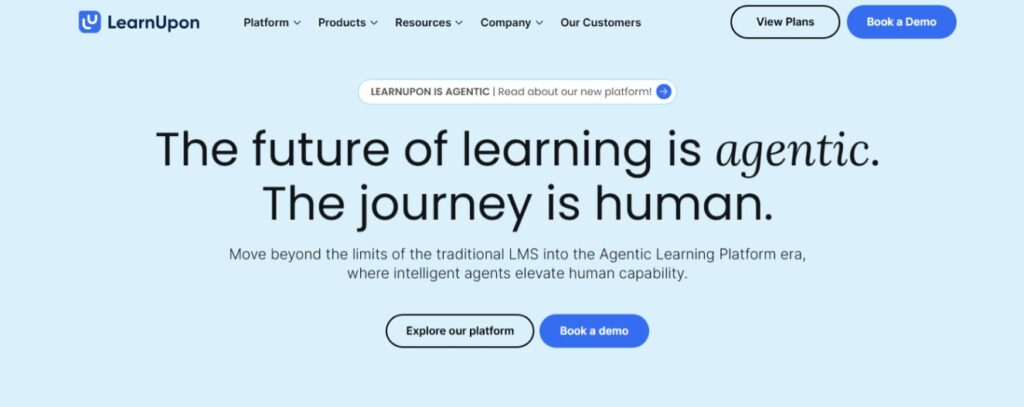
Enterprise teams managing employee, customer, partner, or member training often need separate learning experiences for different audiences. LearnUpon addresses that challenge with branded portals, structured learning journeys, embedded customer education, analytics, and recent AI enhancements while keeping administration relatively straightforward.
Key features
- Branded portals, learning journeys, and embedded customer education
- AI-assisted course creation, adaptive learning, and reporting
- Reporting, analytics, and learner management
- HRIS, SSO, API, and business system integrations
- Multi-audience administration and automation
Pros
- Simple administration across multiple learning audiences
- Clean user experience with strong integration capabilities
- Flexible platform for employee, customer, partner, and member training
Cons
- Teams should confirm which agentic and AI capabilities are currently available, in beta, or planned
- Organizations requiring a broad talent management suite may need to connect LearnUpon with separate HR and workforce systems
Pricing
Custom pricing — contact for quote.
Best for
Organizations that want a manageable platform for training employees, customers, partners, or members across multiple branded audiences.
What users say
G2 reviewers praise LearnUpon’s clean interface, straightforward administration, integrations, and fast implementation.
Source: G2 review
Which enterprise LMS fits your organization?
Most enterprise LMS evaluations begin with one question: are you primarily educating employees, external audiences, or both? Use the guide below to narrow your shortlist.
| If your priority is… | Recommended platforms | Why |
| Customer education | Thinkific Plus | Built for branded customer academies, onboarding, certifications, and learning experiences that improve product adoption and retention. |
| Partner enablement | Thinkific Plus or LearnUpon | Both support external audiences, partner portals, certifications, and learning programs delivered beyond your internal workforce. |
| Compliance | Cornerstone OnDemand or SAP Litmos | Strong governance, certification tracking, reporting, and structured learning paths make them a strong fit for regulated industries. |
| Professional certification | Thinkific Plus | Supports professional academies, continuing education, branded learning experiences, and commerce for organizations selling training. |
| Fast deployment | TalentLMS or SAP Litmos | Straightforward implementation, intuitive administration, and ready-to-use learning content help organizations launch programs quickly. |
| Learning commerce | Thinkific Plus | Combines enterprise learning with e-commerce, subscriptions, payments, and branded learner experiences on a single platform. |
| Internal HR training | Cornerstone OnDemand or Docebo | Both offer robust employee development capabilities, skills management, reporting, and enterprise integrations for workforce learning. |
| Collaborative learning | 360Learning | Designed around subject matter expert contributions, peer feedback, and continuous course improvement. |
| Mixed audiences | Docebo, LearnUpon, or Thinkific Plus | Each supports employee, customer, and partner learning, though their strengths differ depending on your primary business goals and technical requirements. |
Common mistakes organizations make when choosing an enterprise LMS
Organizations rarely struggle because they chose a bad LMS. More often, the platform wasn’t matched to a clear learning strategy or adoption plan. These common mistakes can limit adoption, increase administrative work, and make it harder to demonstrate business impact.
- Choosing based on features instead of learning strategy
A longer feature list doesn’t automatically lead to better learning outcomes. Start with the problem you’re trying to solve, whether that’s onboarding employees, educating customers, certifying partners, or delivering professional training. Then choose the platform that best supports those goals instead of paying for capabilities your teams may never use.
- Skipping a pilot before full rollout
Rolling out an LMS across an entire organization without testing it first can create unnecessary friction for administrators and learners. A pilot helps validate workflows, gather feedback, and identify improvements before expanding.
- Leaving the LMS disconnected from the rest of your technology stack
Learning data becomes more valuable when it’s connected to your HRIS, CRM, identity provider, and reporting tools. Integrations reduce manual work while giving teams better visibility into learner progress and business outcomes.
- Treating the LMS as a content library
Uploading courses is only the beginning. Review learner engagement, refresh content, update certifications, and use analytics to improve programs over time. Considering that the average total cost of ownership for an enterprise LMS is approximately $80,000 per year, ongoing optimization helps organizations get more value from that investment.
How to get the most value from an enterprise LMS
Selecting the right platform is only the beginning. The organizations that see the strongest results treat their LMS as an evolving part of their business rather than a one-time technology purchase.
1. Start with a pilot
Launch your LMS with a representative group of learners before expanding across the organization. A pilot helps validate your learning experience, uncover administrative challenges, and gather feedback that can improve future rollouts.
2. Define success before launch
Establish measurable goals before your first learners log in. Depending on your program, this could include completion rates, certification renewal rates, onboarding time, customer adoption, partner readiness, learner satisfaction, or revenue generated by learning programs.
3. Connect your business systems
Integrate your LMS with the tools your teams already use whenever possible. Connections with HRIS, CRM, single sign-on, and reporting platforms reduce duplicate work while providing stakeholders with better visibility into learning activities and business outcomes.
4. Measure and improve continuously
Course completions tell only part of the story. Track engagement, assessment performance, learner return rates, and completion trends — then review those analytics regularly to identify opportunities to improve content and learner outcomes. For a closer look at which analytics matter most, see our guide to LMS analytics.
Ready to scale learning across your organization?
The platforms in this guide all meet the bar for enterprise learning, but the right one depends on a single factor most evaluations underweight: who you’re actually trying to train. A platform built for internal workforce development and one built for customer education, partner enablement, and learning commerce will feel completely different to administer, and deliver completely different outcomes.
The organizations that get the most from their LMS are the ones that matched it to a clear learning strategy before they signed anything. Once the platform is right, the programs follow.
Scale your external learning programs with Thinkific Plus
Thinkific Plus gives organizations the tools to build, deliver, and measure customer education, partner enablement, professional training, and learning commerce from one platform. Custom roles and granular permissions keep the right people in the right seats. Built-in analytics give training teams visibility into learner progress, completion rates, and program performance without manual report-building. And Advanced Analytics adds fully custom dashboards, role-based access controls, and automated report delivery for teams reporting to multiple stakeholder groups or clients.
Book a demo with the Thinkific Plus team to see how the platform supports customer education, partner enablement, and professional learning at enterprise scale.
Frequently asked questions
- What is an enterprise LMS?
An enterprise LMS is a learning platform designed to deliver, manage, and measure training across large organizations. It typically includes advanced permissions, integrations with systems such as HRIS and CRM platforms, reporting and analytics, compliance tracking, and support for multiple learner audiences from a single environment.
- How much does an enterprise LMS cost?
Enterprise LMS pricing ranges from published monthly plans to custom enterprise contracts based on learner volume, implementation, integrations, and required capabilities. Organizations should also account for implementation, administration, training, and ongoing support when evaluating total cost of ownership.
- What is the difference between an LMS and an LXP?
An LMS delivers structured learning, compliance training, and progress tracking. An LXP emphasizes content discovery, personalized recommendations, and self-directed learning. Many enterprise platforms now combine both approaches, giving organizations structured learning alongside personalized experiences.
- Can an enterprise LMS be used for customer and partner training?
Yes. Many enterprise LMS platforms are designed to educate customers, certify partners, and support other external audiences, in addition to employee training. Features such as branded portals, learning paths, certifications, and e-commerce capabilities help organizations deliver learning experiences to external audiences at scale.
- How long does it take to implement an enterprise LMS?
Enterprise LMS implementation typically takes anywhere from a few weeks to several months, depending on migration, integrations, branding, administrator training, and custom workflows. Running a pilot first helps identify improvements before expanding across the organization.
- What features should I prioritize in an enterprise LMS?
The most valuable enterprise LMS features depend on your learning strategy, but AI capabilities, integrations, analytics, compliance tools, mobile learning, and support for multiple learner audiences should be high on every shortlist. Prioritize the capabilities your teams will use most often rather than choosing the platform with the longest feature list.