
Litmos has a strong track record in enterprise training. It supports SCORM compliance, handles large learner volumes, and has built a genuine reputation with corporate L&D teams. But capability and fit aren’t the same thing.
The most common reasons organizations start evaluating Litmos alternatives come down to three things: reporting that doesn’t give L&D leaders the data they need to measure training ROI, pricing that gets harder to justify as learner counts grow, and support that can feel slow when you have a time-sensitive problem. If any of those have come up in your last LMS review, it’s worth knowing what else is in the market.
The global LMS market is expected to reach $47.47 billion by 2030. There are strong alternatives that compete directly with Litmos in the enterprise LMS space. Here are five of them.
One disclosure upfront: Thinkific Plus is on this list, which means we have an obvious interest in how that entry reads. The other platforms are included because they compete legitimately in this space.
Factors to consider when evaluating Litmos alternatives
Making the right choice for your organization
Factors to consider when evaluating Litmos alternatives
When you’re looking for options for Litmos Learning Management System (LMS), there are several key factors that you should consider.
Your organization’s needs
Ask yourself: What industry-specific requirements do I have? How large and scalable is my organization? Here’s a breakdown of what to look for when considering Litmos alternatives by industry:
Industry-specific requirements:
- Healthcare: HIPAA compliance, secure data storage, and mobile-friendly access.
- Financial services: Robust security protocols, automated fraud detection, and audit tracking.
- Education: Easy course creation tools, customizable student dashboards, and flexible payment options.
- Retail: Multi-platform support, inventory management tools, and real-time analytics.
No matter your industry, it’s important to find a Litmos alternative that meets the specific needs of your organization.
Size and scalability
The size of your organization and its potential growth are pivotal factors to consider:
- Small businesses: Look for LMS alternatives that provide essential features without being too complex. You’ll need a platform that is flexible, easy to use, and scalable. You’ll also want a system that won’t break the bank.
- Medium-sized businesses: Seek a balance between functionality and scalability. Features like customizable training modules, integration with existing tools, and affordable scalability options can be game-changers.
- Large enterprises: Investigate robust LMS platforms that handle a substantial user base. Consider features like comprehensive analytics, wide-ranging customizability, support for multi-lingual content, and seamless integration with enterprise-level systems.
By carefully considering your organization’s current size and future growth, you can select an LMS that not only fits today but also blossoms alongside your business, fostering a lifelong learning environment.
Feature set
Before switching to a Litmos alternative (and planning your LMS implementation), it’s important to consider your needs and identify the right feature set. A learning management system should offer core features such as course creation, student tracking, certifications and assessments.
But there may be unique features you need that are only available with certain providers. To evaluate an LMS platform, take a look at these key capabilities and ask yourself these questions:
- Course and curriculum management: Does the LMS offer a way to easily create, manage, and track courses?
- Assessments and quizzes: Can users take quizzes or assessments within the system?
- Gamification & badging system: Is there an option for setting up rewards like badges or other incentives?
- Learning paths & customization: Can learning paths be tailored to the individual learner?
- Reporting & analytics: Does the system offer detailed insights into how users engage with content?
- Mobile learning: Is there support for mobile devices and apps so learners can access course content on the go?
- Integration and compatibility: Are there options for integrating with other software or platforms? What type of file formats does the system support?
Some Litmos alternatives also offer unique capabilities like virtual reality (VR) training, artificial intelligence (AI) in learning, and personalized learning paths. Be sure to consider these features as you evaluate different solutions.
Pricing and value
When comparing eLearning systems, the price tag isn’t the only number to crunch. It’s essential to examine the upfront costs and the value the LMS will bring to your organization. Let’s delve into some key aspects:
Subscription models:
- Pay-per-user: Ideal for organizations with a fluctuating number of learners. You pay only for what you use, offering flexibility.
- Flat rate: A set fee that covers unlimited users might suit organizations with a large, stable number of users.
- Freemium models: Some platforms may offer limited features for free with options to upgrade, providing an entry point for smaller budgets.
Pricing:
- Initial costs: Look beyond the monthly or annual subscription fee. Consider setup costs, customization, and possible additional charges for support or updates.
- Transparent pricing: Ensure that the provider offers clear, upfront pricing with no hidden fees to avoid unexpected costs down the line.
Return on investment (ROI):
- Time savings: Automation and efficiency in training delivery can save valuable employee time.
- Performance improvement: Analyzing how the LMS impacts employee or student performance can quantify value.
- Scalability and flexibility: An LMS that grows with your business without exponential cost increase offers long-term value.
Cost-effectiveness:
- Comparing features: Weigh the features offered against the price to evaluate if you’re getting the most bang for your buck.
- Integration with existing systems: An LMS that integrates smoothly with your existing tools can save costs in the long run.
Navigating the cost landscape of an LMS is not just about finding the lowest price but unearthing the best value for your organization. By meticulously assessing subscription models, transparent pricing, ROI, and cost-effectiveness, you’ll be well on your way to investing in an LMS that fits not only your budget but also your organization’s unique needs and future growth.
Top 5 Litmos alternatives
Before diving into the details of the top Litmos alternatives on the market, here’s a handy overview.
Platform |
Overview |
Key features |
Pricing |
Thinkific Plus | Thinkific Plus is a powerful, scalable learning platform that’s also easy to use—for your team and your customers. You get enterprise-grade features that scale with you as you grow, plus a team of people seriously dedicated to helping you reach your goals. | Dedicated Customer Success Team, Single Sign-On OpenID (SSO), Enterprise API access, Advanced CSS customization, Plus Portal, Custom migration planning, Salesforce integration, Multiple seats and tiered pricing checkout options, White-labeled mobile app Advanced security features. | Request pricing. |
Docebo | Enterprise LMS designed for mid-to-large, rapidly growing companies. Ability to onboard, develop, and educate customers, partners, and employees. Suitable for businesses that need a sophisticated yet scalable solution. | Comprehensive lifecycle coverage from content creation to measuring learning impact with AI-powered tools. Flexible scalability, customizable look and feel.
Active user-based pricing – pay only for those actively engaging with the content. | Active user-based pricing. Plans start at $1,600 per month.Contact Docebo for specific pricing. |
Talent LMS | Facilitate learning through course management, progress tracking, and reporting. Support multiple languages and media types for maximum accessibility. Customization, security, and automation capabilities. | Course management to build courses from scratch or reuse existing content, with SCORM, xAPI, and cmi5 files supported
Progress tracking with learning paths and completion rules Customizable portal: logos, brand colors, domain pointing & HTML/CSS/ Javascript customizations Secure content via encrypted channels and watermarked videos | Starter: $69/month; 40 users; unlimited courses. Basic: $149/month; 100 users; 1 branch; custom domain. Plus: $279/month; 500 users; 3 branches; custom reports. Premium: $459/month; 1000 users, 15 branches, live chat support. Enterprise: Customized plan, flexible user limit, unlimited branches. |
LearnUpon | Designed to create an engaging and easy learning experience. Centralizes how learning is managed across various audiences. Emphasizes simplicity and broad impact. Caters to large enterprises, non-profits, and small/medium businesses. Available across different platforms & browsers; integrates with numerous tools. Security is a top priority; support is offered through various channels. | Design content for learners.
Provide on-demand training and collect feedback. Automate user creation and enrollments. Enhance learner experience. Create unique environments from one place. Measure training impact with powerful reporting tools. Automate tasks and let data flow between common systems. Manage blended learning connected to webinar tools. | Essential (50-150 users): SCORM & xAPI support, custom Branding, instructor-led training, gamification, eCommerce Premium (150-300 users): Includes Essential features plus multiple languages, webinar integrations, Zapier Integration, Single sign-on and two-way API access Enterprise (300+ users): Includes Premium features plus white labelling and Salesforce integration; Enterprise SLA All plans include customer success support, strategic advice, implementation consultant and 24/7 technical support. |
Absorb | Cloud-based learning management system to inspire and fuel productivity. Scalable, top-notch customer service. Engaging learner experience with efficient administration. Accommodates various organization sizes and needs, including internal/external training or eCommerce requirements. | Automation for maximum efficiency in employee training. Facilitates interaction with the content to retain information.
Solution for selling online courses with features like discounts, preferred pricing, and tax setup. Provides key insights and data for business decisions. Accessible, custom-branded, and intuitive user experience. Verification & automatic tracking of employees’ skills. Next-gen learning with Absorb Intelligence to simplify tasks & learning opportunities. Pre-built online courses from leading eLearning content. | Starting price: $14,500 annually Free trial: Available Custom pricing: Tailored to needs and number of learners. Additional offerings: Dedicated onboarding, 24/7 support, unlimited storage, portal configuration & branding, full administrator training & potential enhancements Includes various licensing options, affordable setup and ongoing support. |
Moodle | Customizable for various education levels and training needs.
Open source platform with flexible, scalable, and secure design. Suitable for K-12, higher education, vocational training, corporates, and enterprise learning | Full control, custom themes.
Integration with plugins, compliance with standards. 140+ languages, mobile app. Social learning, badges, games. Continuous testing, data control, and GDPR compliance. | Partner with experts for customization. 45-day free MoodleCloud solution. Open source, free to download. Standard hosting: From $120 USD annually, integrated features. Premium solutions: Scalable, enhanced security, custom options. |
Now, let’s provide a slightly more in-depth analysis of each option.
Thinkific Plus

Thinkific Plus is built for organizations that need to scale training without adding headcount to manage it. It’s designed for three use cases where it’s particularly strong: companies that need to train and certify customers at scale, organizations running external learning academies, and L&D teams that need enterprise-grade security and integrations without the typical implementation overhead.
The most common reason enterprise buyers choose Thinkific Plus over more complex LMS platforms is the combination of scalability and ease of administration. Most enterprise LMSs require significant IT involvement to set up and maintain. Thinkific Plus is built to be manageable by an L&D team, while still supporting SSO, full API access, Salesforce integration, and the security requirements larger organizations need.
Pros:
- Ease of use: Thinkific Plus is genuinely easy to administer. Your team can build and manage training programs without ongoing IT support.
- Scalability: Enterprise-level security, full API access, and deep integrations let you scale and support the next phase of growth.
- Dedicated Customer Success: You get a team focused on helping you reach your training goals, not just a support ticket queue.
- Branded Mobile: A team of experts handles creating and managing a custom, white-labeled mobile app for your courses and communities.
Cons:
- Feature breadth: There’s a lot to explore. Teams new to the platform may take a few weeks to build fluency with the full feature set.
- Pricing: Thinkific Plus is priced for enterprise use cases. It’s not the right fit for smaller organizations with simpler training needs.
Docebo
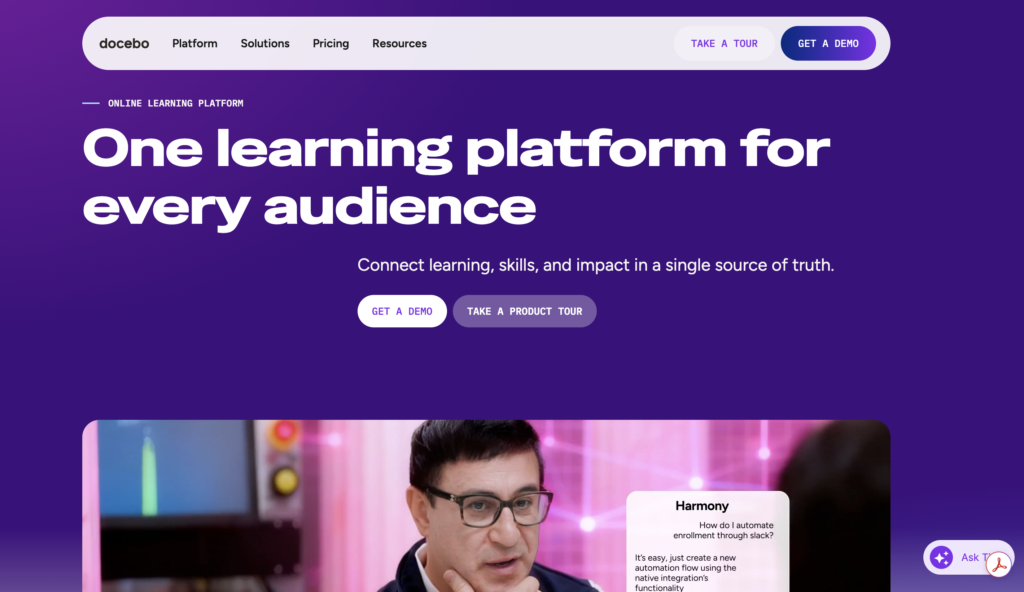
Docebo is an enterprise LMS designed for mid-to-large, rapidly growing companies. It provides extensive customization, integration, and scalability features and uses AI algorithms to tailor learning experiences to individual needs.
Pros:
- AI-powered personalization: Enhances engagement and retention with personalized learning experiences.
- Third-party integration: Integrates with popular apps and services through Docebo Connect.
- Customization and scalability: A broad range of options that grow with your organization’s needs.
Cons:
- Pricing: Active user-based pricing can be cost-prohibitive for smaller organizations.
- User interface complexity: A sophisticated UI may require a learning curve for some administrators.
TalentLMS
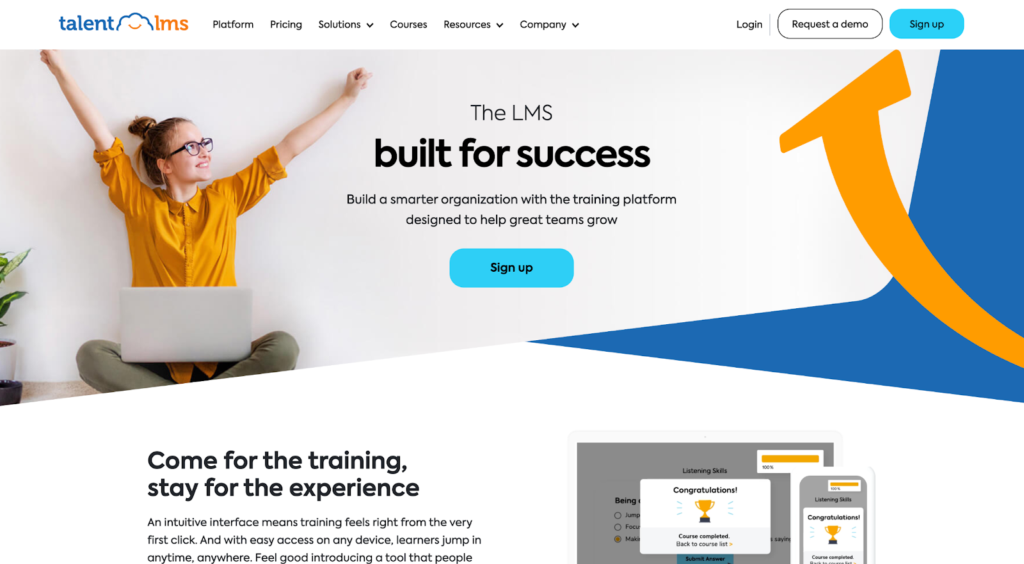
TalentLMS is a comprehensive learning platform that helps you manage courses, track progress, and report on results. It offers a range of built-in features and flexible pricing plans to suit different needs and budgets. Plus, it supports multiple languages and media types.
Pros:
- User-friendly setup: The platform is designed for ease of use, featuring a simple interface that enables quick setup and efficient administration.
- Comprehensive features: Gamification, SCORM support, detailed reports – TalentLMS offers an extensive array of features to create an all-encompassing learning environment tailored to any learning style.
- Flexible pricing: With plans ranging from $69 to custom enterprise options, the software provides pricing solutions for organizations big and small.
Cons:
- Limited customization: While the LMS offers a range of features, it may not have the same level of customization as other solutions. This could stop it from meeting specific needs.
- Reporting concerns: Some users comment that the reporting could be improved and filters must be added to streamline the process.
LearnUpon
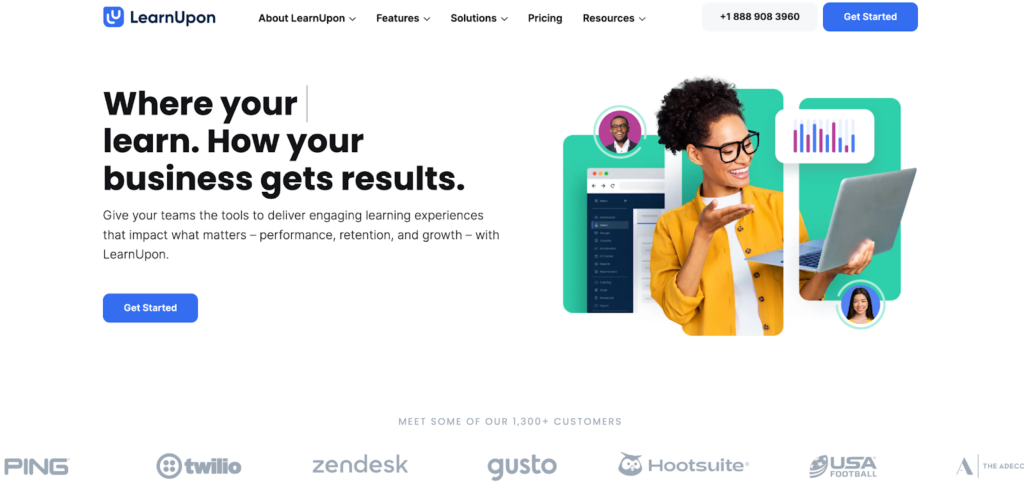
Designed to create an engaging learning experience across multiple audiences, LearnUpon centralizes training for employees, customers, and partners in one platform. It’s a strong choice for compliance training and extended enterprise training involving employees, customers, and partners simultaneously.
Pros:
- Intuitive and user-friendly interface: Learners and administrators can quickly and easily engage with content thanks to the smooth, intuitive interface.
- Robust customer support and onboarding: Clients are provided 24/7 technical assistance and customer success support for implementation and beyond.
- Multi-portal support: LearnUpon’s multi-portal feature enables organizations to create distinct learning environments tailored to customers, partners, and employees.
Cons:
- Update default settings: Some users found the default settings limited the user experience in the LMS.
- Additional costs for features: Certain features in the platform may come at an additional cost, potentially affecting budget considerations.
Absorb LMS
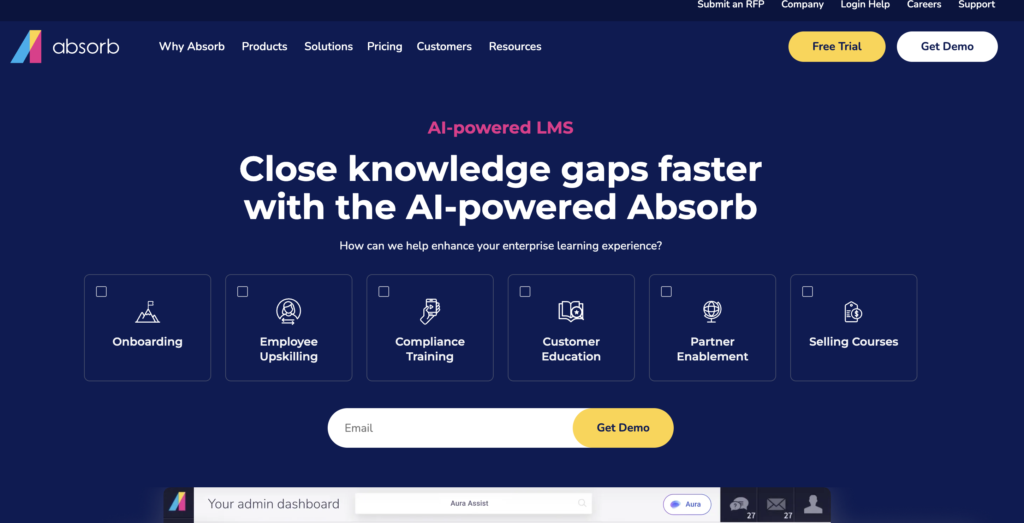
Absorb LMS is a cloud-based learning management system built to drive engagement and productivity. It’s scalable, comes with strong customer service, and is designed to accommodate organizations of different sizes and training objectives.
Pros:
- Design: Absorb LMS offers a sleek and modern design that’s responsive to various devices for an engaging learning experience.
- Reporting and analytics: With powerful data analysis tools, organizations can gain key insights to make informed decisions.
- Course library: The system provides a content library (Absorb Amplify) of pre-built online courses from leading providers, saving time in course creation and providing quality options.
Cons:
- Customization limitations: The platform offers an intuitive interface, but its customization options may not meet the needs of all organizations and are complex to master.
- Pricing uncertainty: Absorb LMS’ custom pricing structure might not be as transparent as other alternatives. It could require extra research to understand the total costs.
Moodle
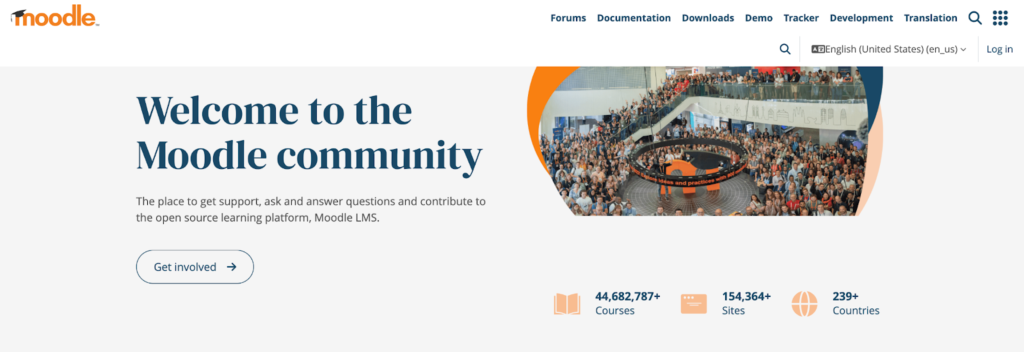
Moodle is an open-source LMS that provides a secure, customizable environment for K-12, higher education, and corporate training. Its active community provides ongoing support and plugin development, and the platform is free to download.
Pros:
- Open-source and customizable: The system offers flexibility and customization with an open-source platform. Users can customize the system, add plugins, and control its functionality.
- Large community support: The active user and expert community provides collaboration, resources, and support for problem-solving, resulting in ongoing innovation. Free to use with hosting options:
- Moodle is free to download and use; hosting options range from self-hosting to premium hosting – accommodating all budgets.
Cons:
- Difficulty in setup and management: Moodle’s flexibility requires a greater technical understanding and more time to set up correctly.
- Outdated user interface: Some users may find Moodle’s design unappealing compared to other LMS options, affecting user engagement.
It’s important to remember that each alternative’s advantages and disadvantages may differ depending on your organization’s specific needs.
Making the right choice for your organization
Selecting the right LMS for your organization is an important decision. Do due diligence by researching options, seeking demos, reading reviews, and consulting experts to align the platform with your unique needs.
Evaluate the pros and cons of each alternative to match capabilities with your goals. Prioritize user-friendliness, scalability, customization, and price sensitivity to ensure successful integration and better adoption.
Rigorous evaluation is essential as the chosen LMS will empower teams, improve learning experiences, and contribute to overall success.
Conclusion
Finding the right learning management system for your business is like finding a missing puzzle piece – it completes the picture and unlocks new levels of growth. Carefully compare Litmos alternatives such as Thinkific Plus, Docebo, TalentLMS, LearnUpon, Absorb, and Moodle to understand their unique features and pricing options.
Ask yourself which one will best fulfill your organizational requirements while also achieving cost-efficiency. With careful consideration of each option available, you can unlock new possibilities for learning and productivity in your organization.
Explore Litmos alternatives
Amidst a landscape of diverse e-learning platforms, Thinkific Plus emerges as a prominent alternative to Litmos. Whereas Litmos is lauded for its corporate training solutions, Thinkific Plus offers an encompassing platform that bridges the needs of both businesses and individual course creators.
By blending an intuitive user interface with deep customization capabilities, Thinkific Plus ensures that every e-learning initiative, whether it’s customer education or employee training, is both engaging and impactful. Moreover, the platform’s commitment to adaptability and growth means it’s poised to meet the demands of tomorrow’s e-learning challenges.
Wondering if Thinkific Plus might be the right fit for your learning objectives? Dive in and explore its potential for yourself.
Frequently asked questions
What are the main reasons organizations look for Litmos alternatives?
The main reasons organizations look for Litmos alternatives are to find solutions that better align with their individual needs and preferences. This may include considerations such as scalability, integration capabilities, user interfaces, pricing structures, ease of use, or support for specific learning methodologies. Choosing the right solution for your organization will depend on a variety of factors, so you’ll want to take time to evaluate everything that’s available.
How do I know if a Litmos alternative is right for my organization?
You’ll know if a Litmos alternative is right for your organization if it aligns with your budget, offers the customization, scalability, and features you need, and fits the learning methodologies preferred within your organization.
Can I switch from Litmos LMS to an alternative without losing my data?
Yes, you can switch from Litmos LMS to an alternative without losing your data. Most modern LMS platforms, including those mentioned as Litmos alternatives, provide data migration tools or services. Keep in mind it will still require careful planning and potentially professional assistance to ensure a smooth transition without data loss.
What are the key features to look for in a learning management system?
The key features to look for in a learning management system include user-friendliness, customization and scalability options, and integration with third-party apps and services. Of course, you will also need robust reporting and analytics, multi-language support, mobile accessibility, comprehensive customer support, and a pricing structure that fits your organization’s budget and size.
How can I ensure a smooth transition to a new LMS platform?
You can ensure a smooth transition to a new LMS platform by carefully planning the migration, involving key stakeholders, and testing the new system thoroughly. Don’t forget to provide training and support to users and maintain clear communication throughout the transition process.
Ready to find the right platform to launch or scale your online learning program?
The Thinkific Plus Evaluation Guide breaks down the key features, questions, and considerations you need to make the best choice for your business.
Download it now and set your program up for success!